


Expert Features
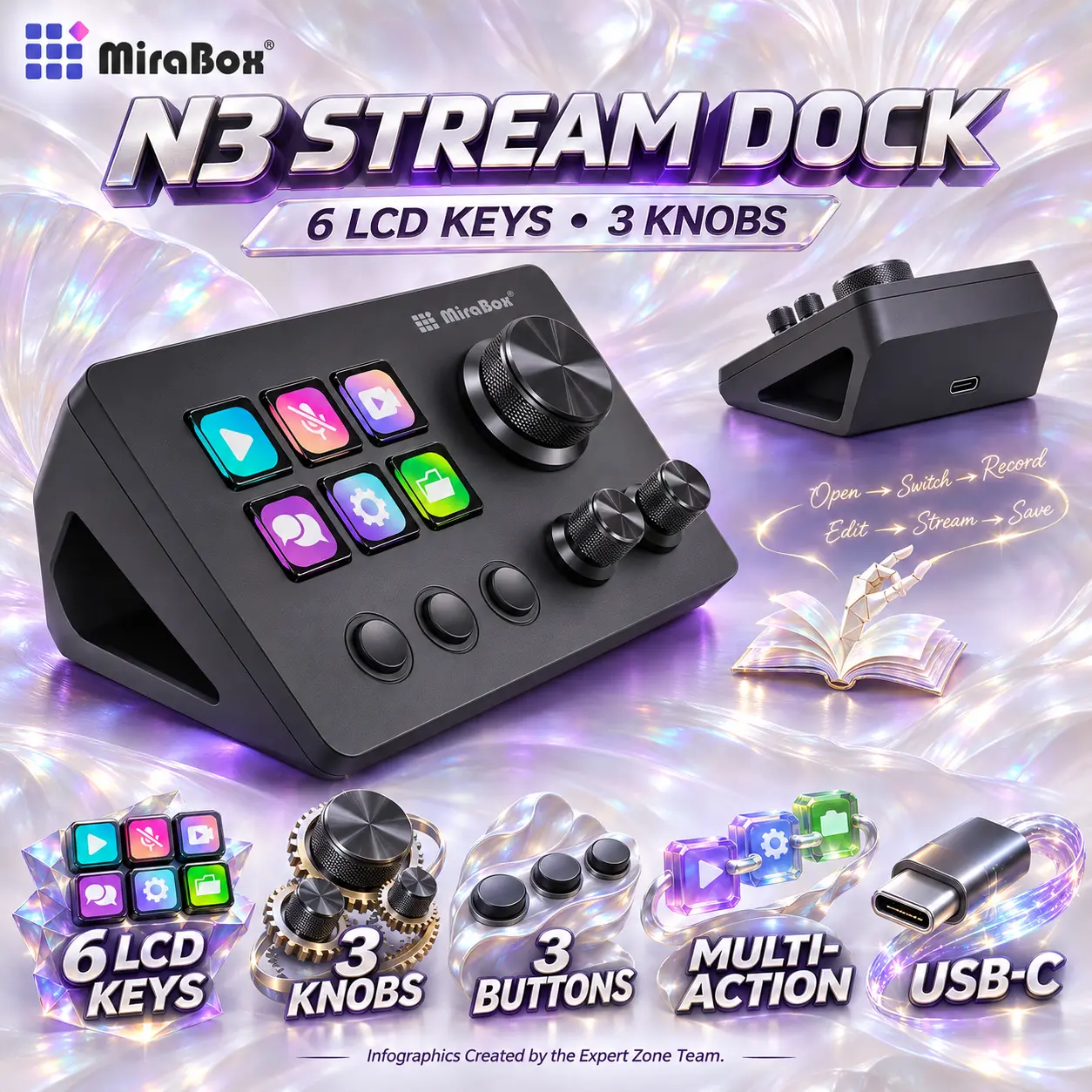
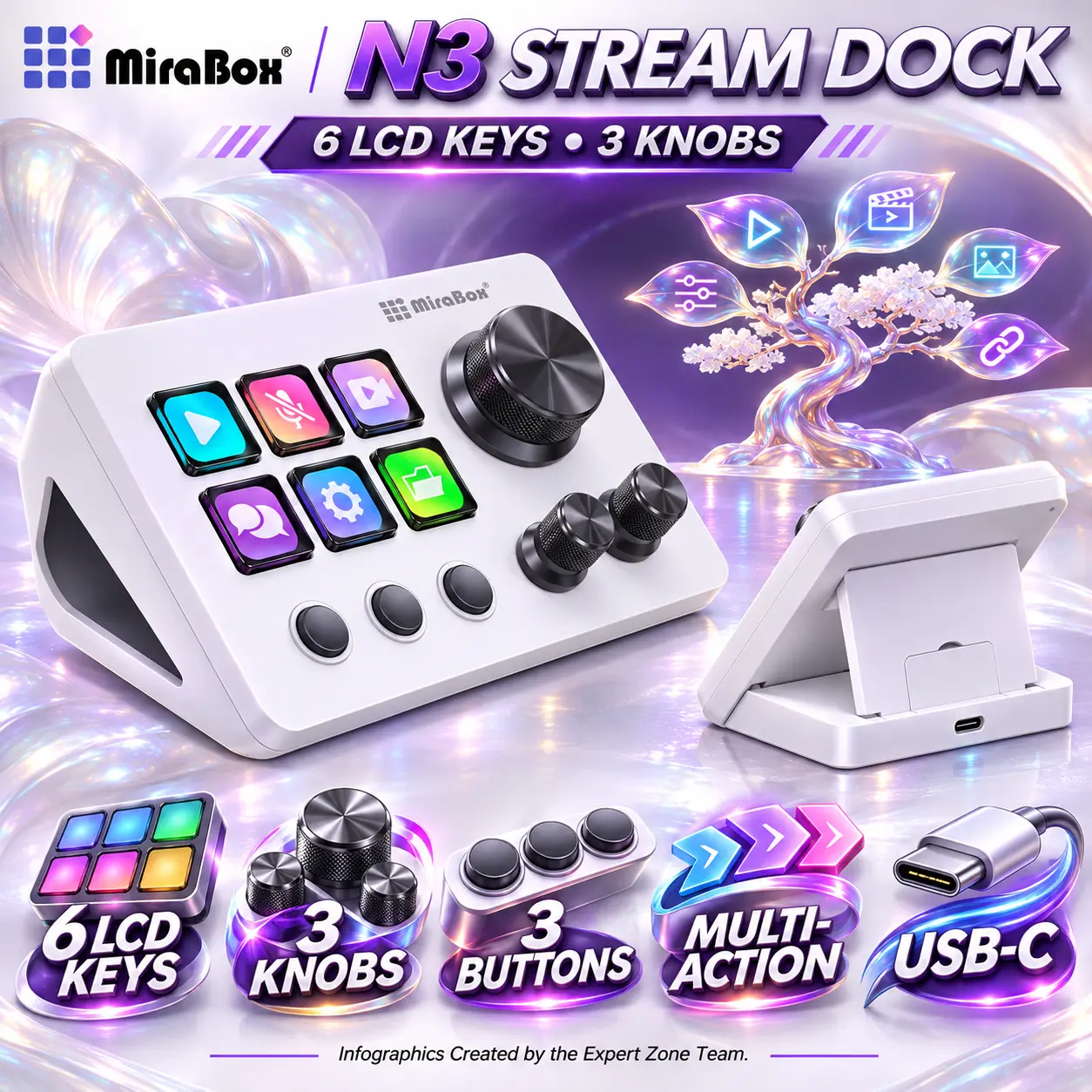
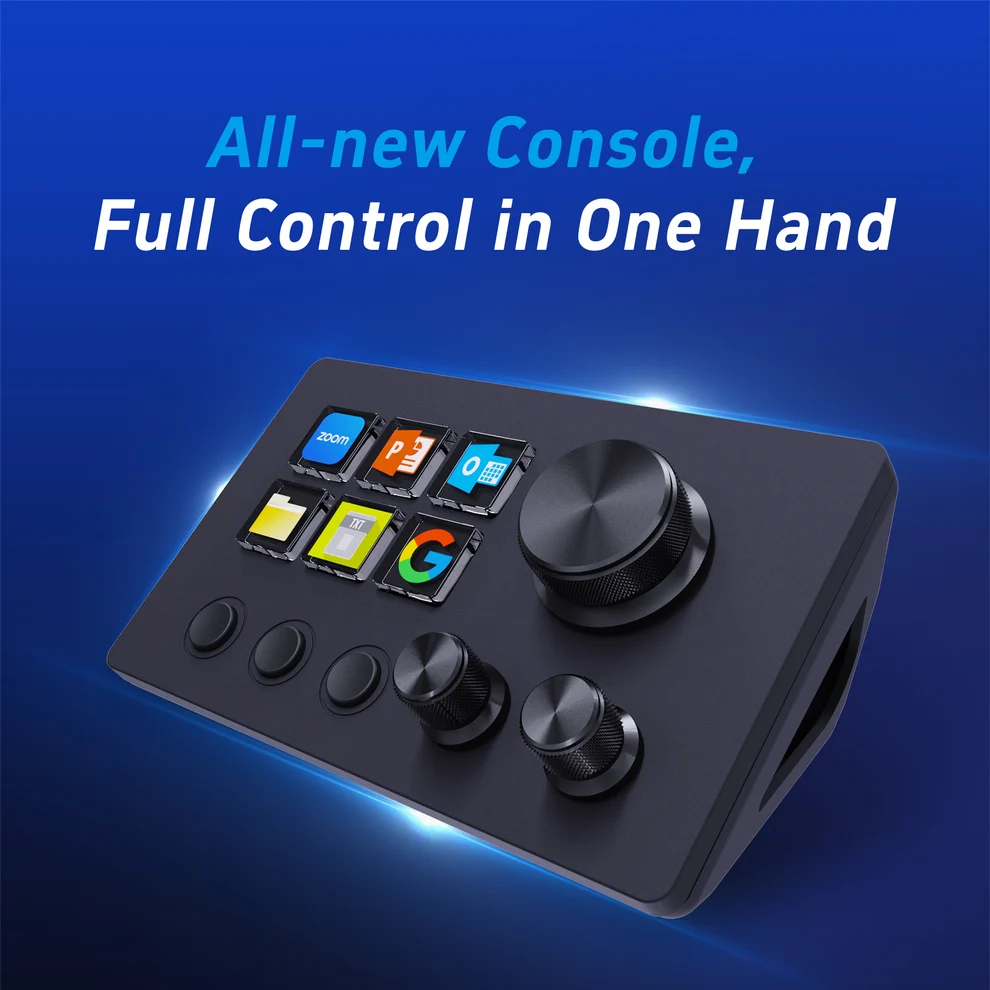
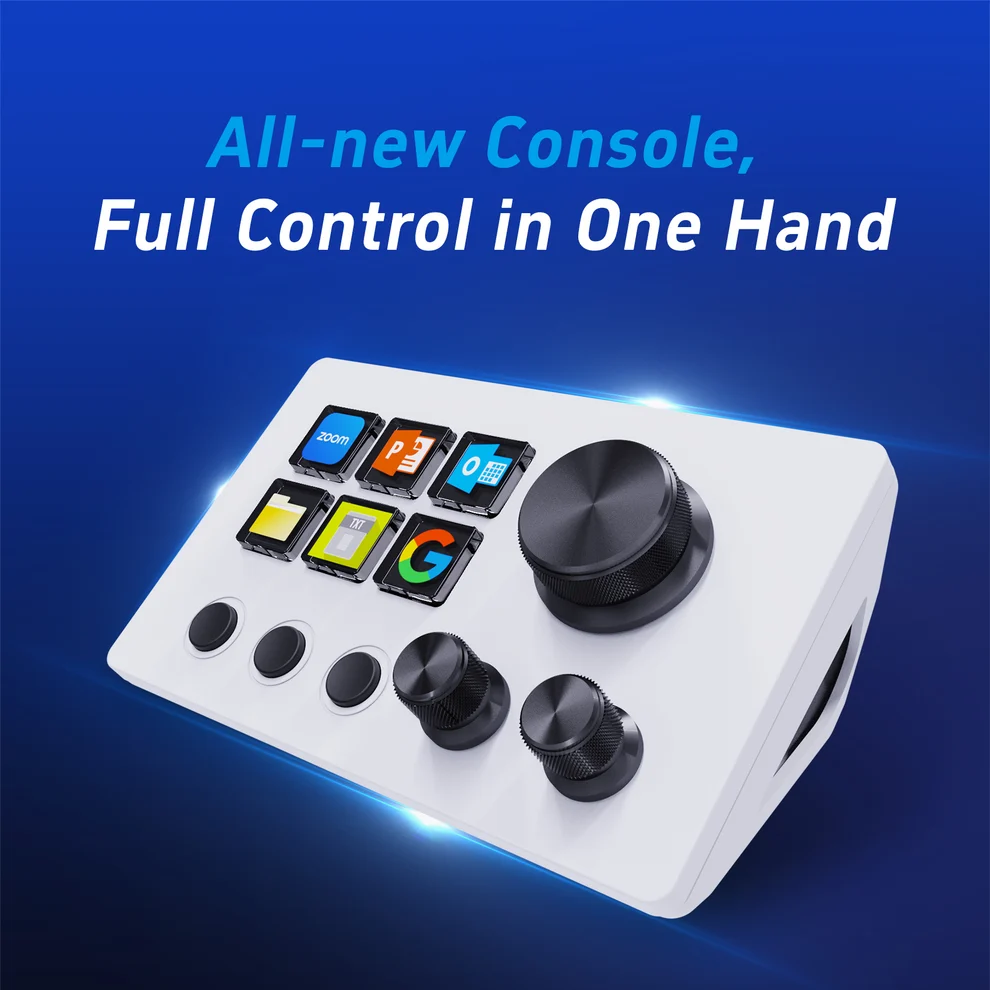
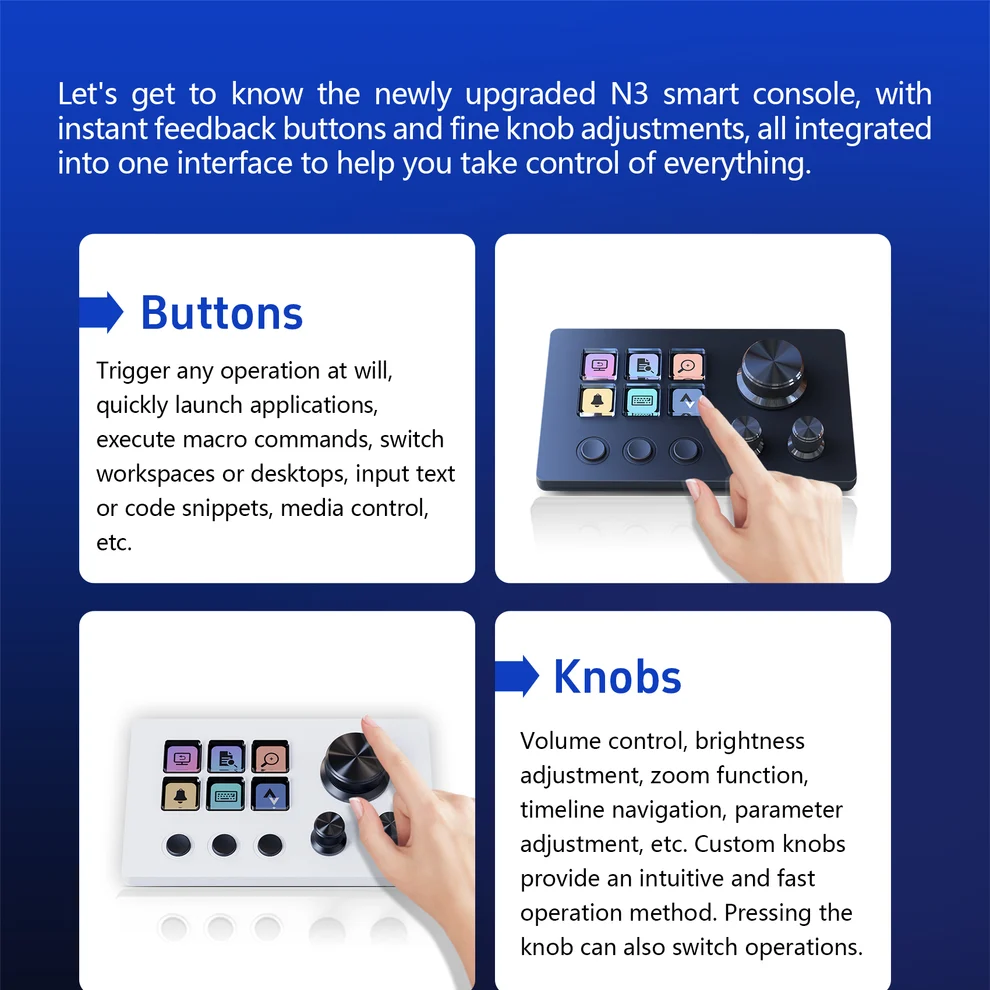
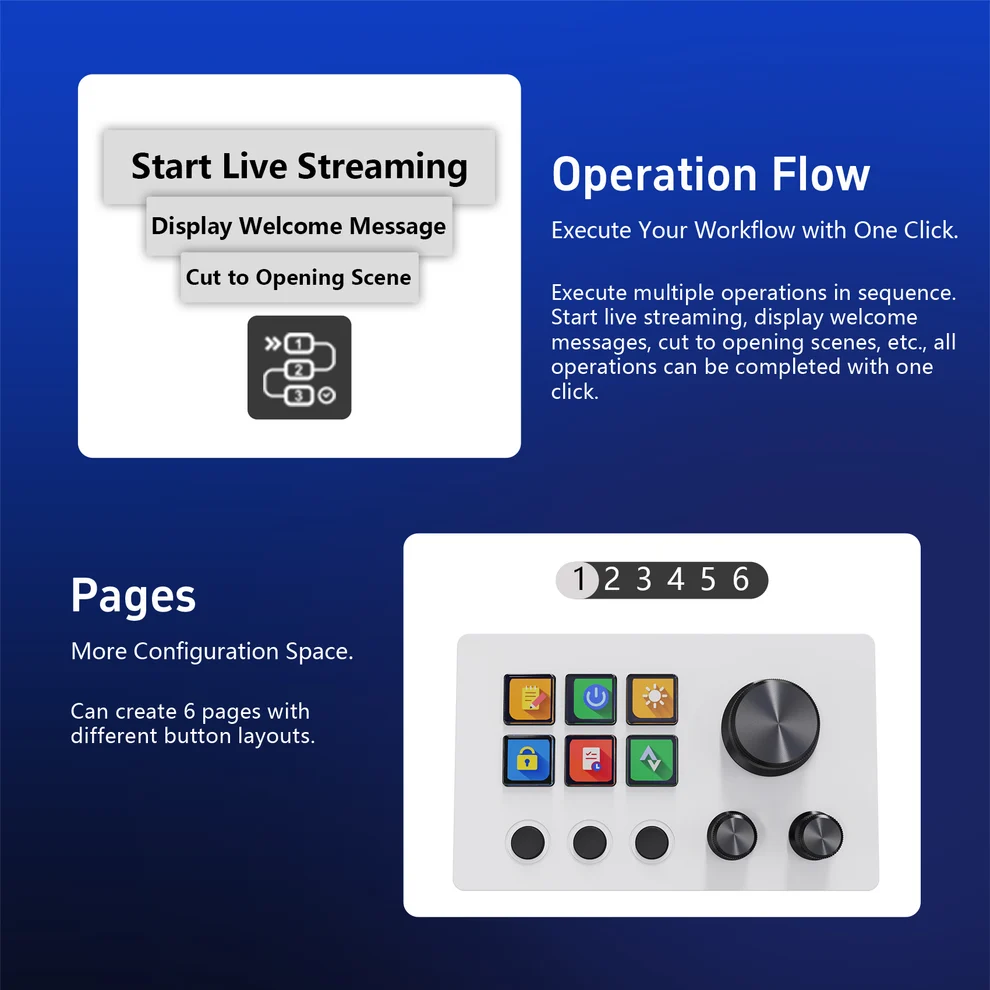
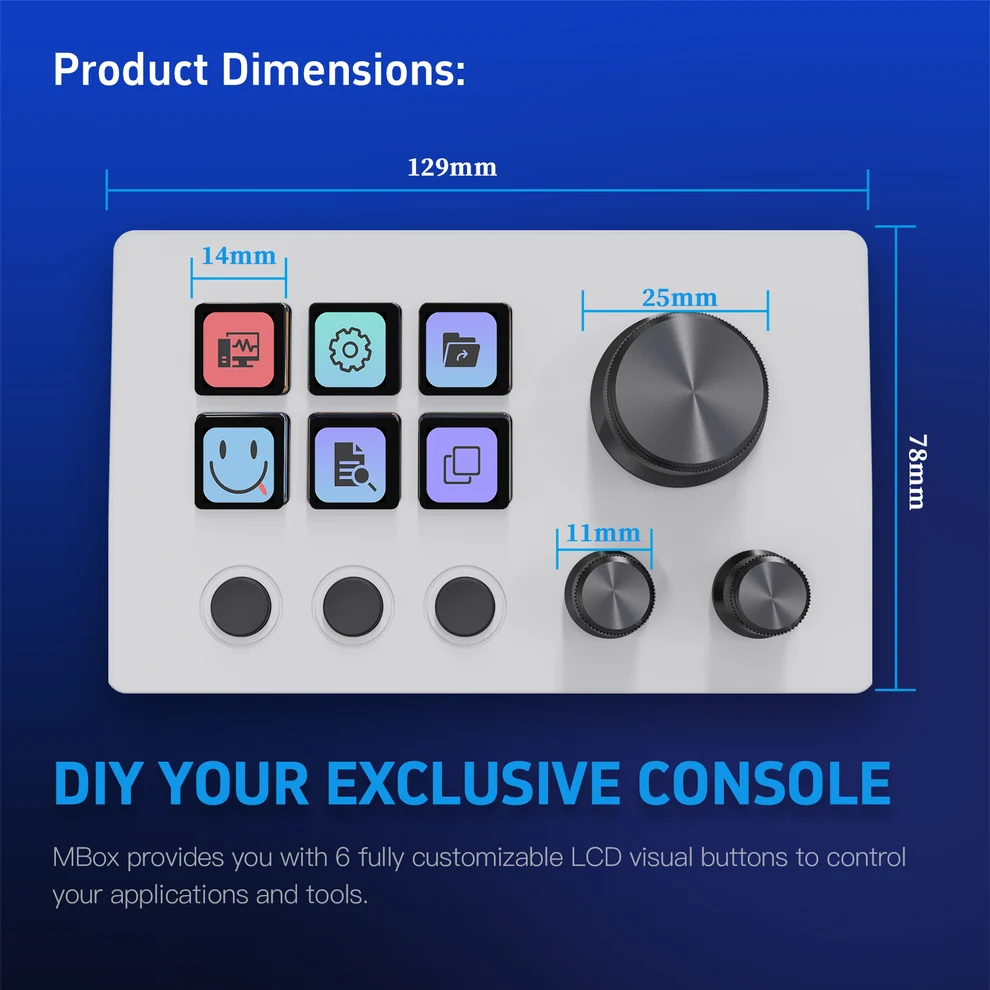
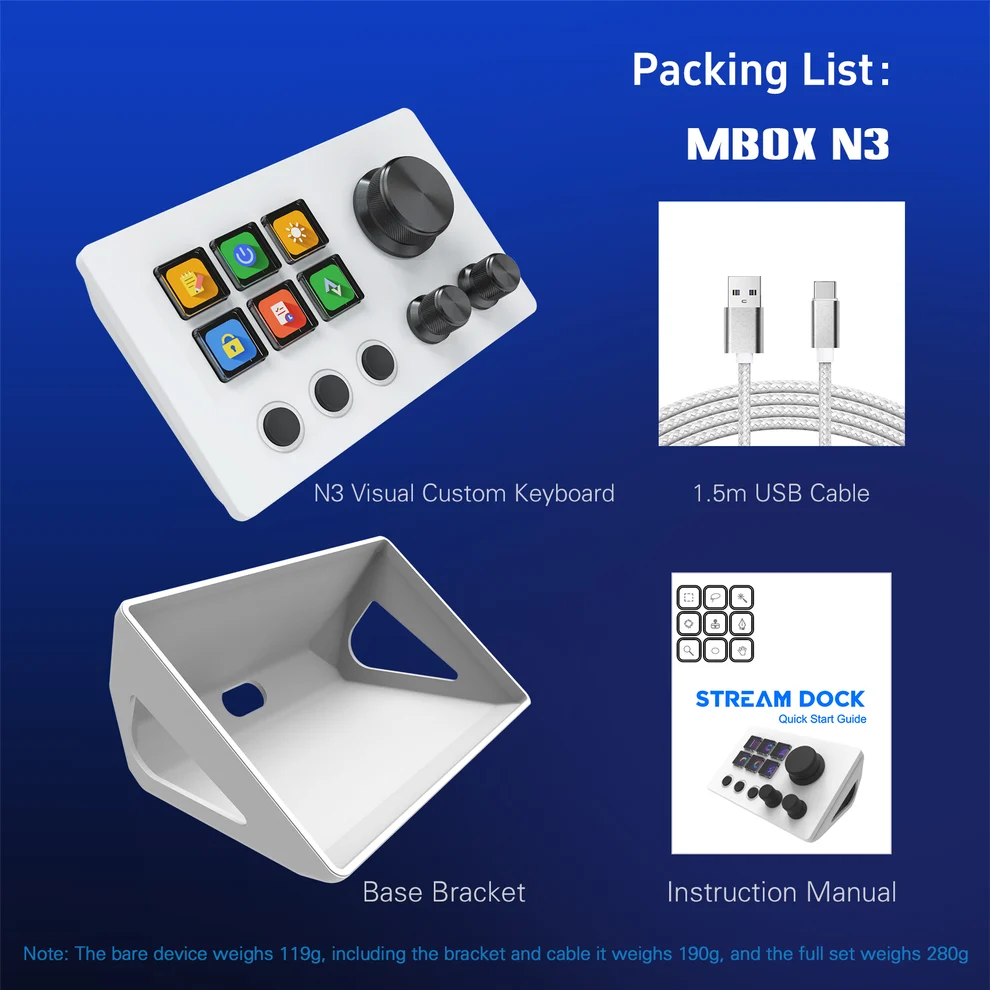
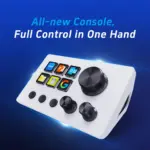
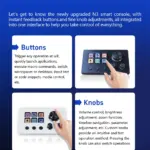
● Six Customizable LCD Keys: Personalize six individual LCD keys in a 3 × 2 arrangement with application shortcuts, macro actions and visual icons for instant control.
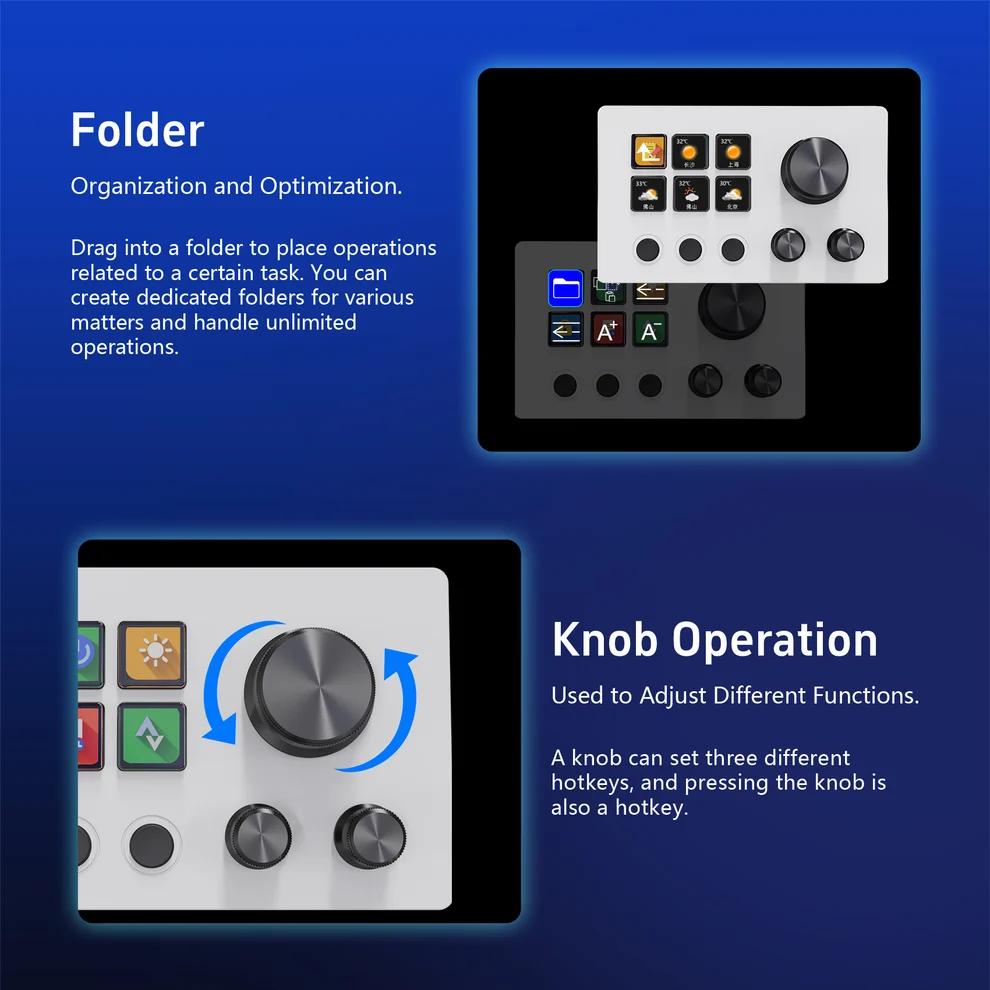
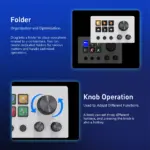
● Three Multifunction Rotary Knobs: Adjust supported volume, brightness, zoom, timeline and other application parameters using one large dial and two smaller precision knobs.
● Three Dedicated Physical Buttons: Access three additional non-LCD buttons positioned beneath the LCD keys for tactile command input.
● Animated GIF and Custom Icons: Assign custom static artwork and animated GIF icons to LCD keys for recognizable visual feedback and personalized control layouts.
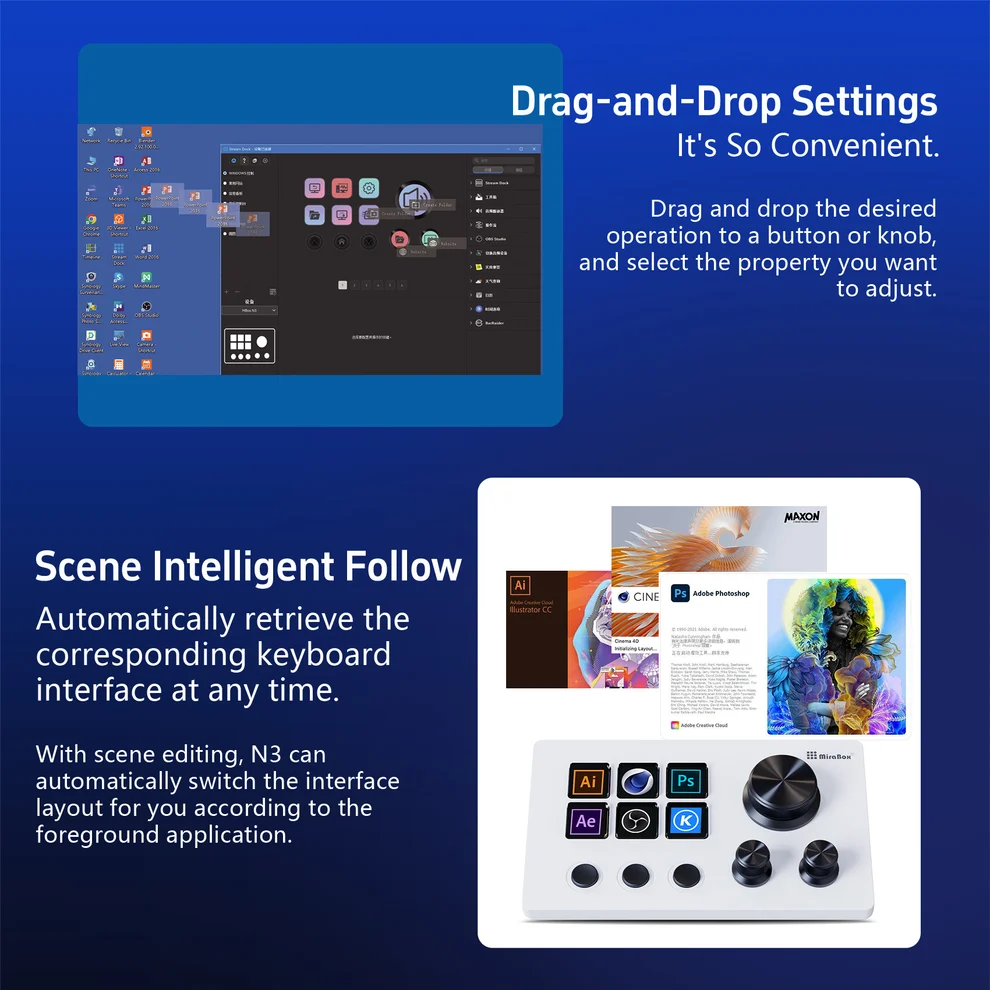
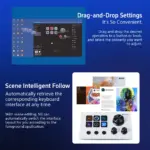
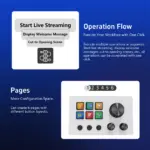
● Scene-Smart Automatic Switching: Switch to configured application-specific control layouts when the relevant program becomes active.
● One-Touch Macro Execution: Trigger configured shortcuts, launch applications and execute common commands from a single LCD key.
● Multi-Action Workflows: Use the Action Flow function to run multiple programmed commands in sequence for efficient repetitive tasks.
● Folders and Organized Profiles: Organize shortcuts and actions into task-specific folders and reusable control layouts.
● Drag-and-Drop Customization: Assign commands and actions to supported buttons and rotary controls using MiraBox Stream Dock software.
● OBS Streaming Control: Access compatible OBS Studio functions and configured scene commands directly from the console.
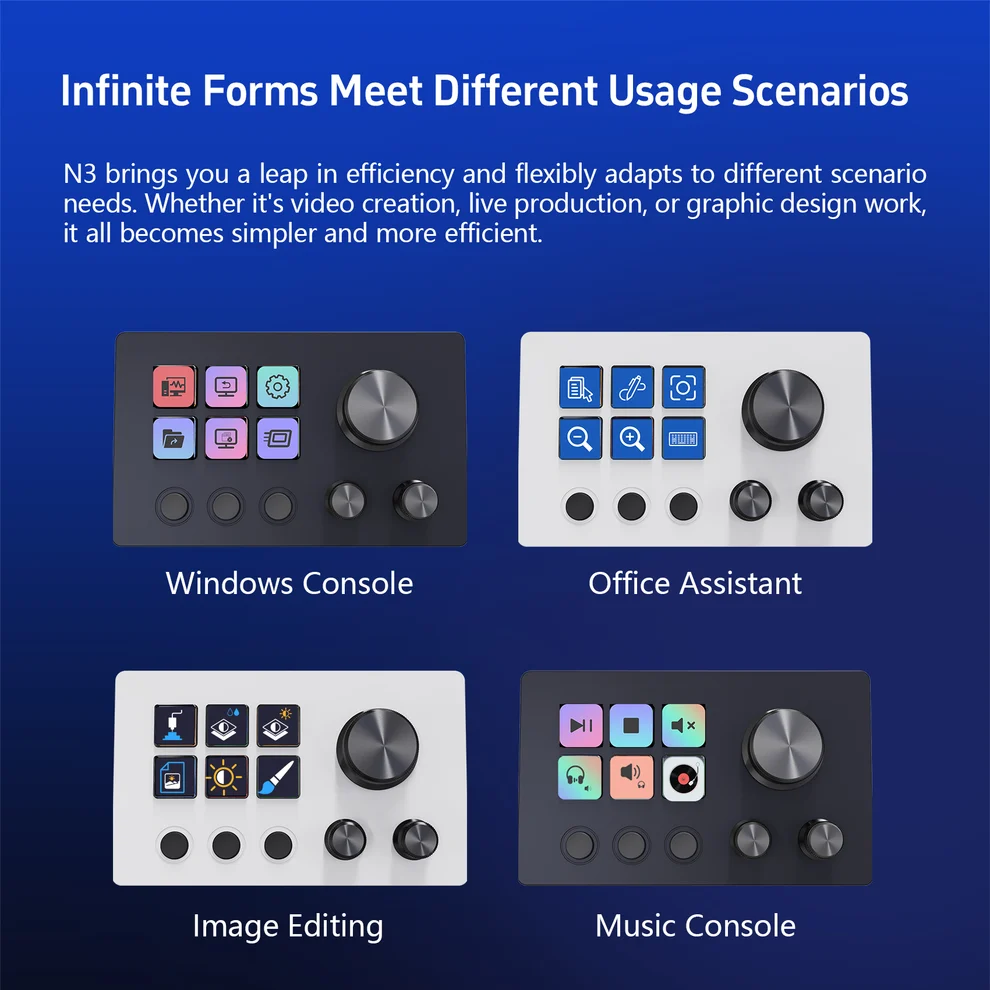
● Creative and Media Control: Adapt the controller for graphic design, video editing, media playback and everyday desktop productivity.
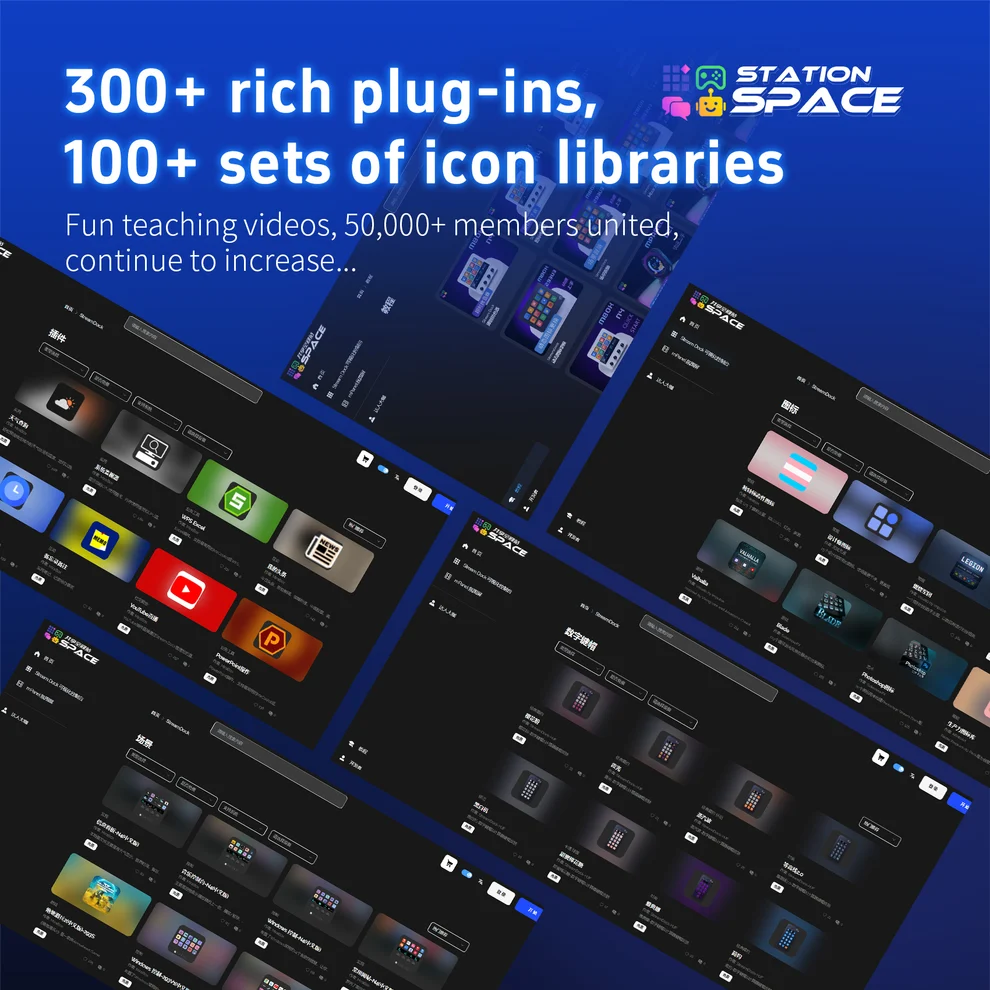
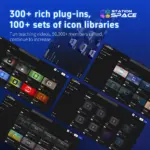
● Extensive Plugin and Theme Library: Explore 400+ free plugins and 300+ themes and scenes through the MiraBox software ecosystem.
● Wired USB-C Connectivity: Connect the N3 to a compatible computer through its USB-C device port using the included USB-C-to-USB-A cable.
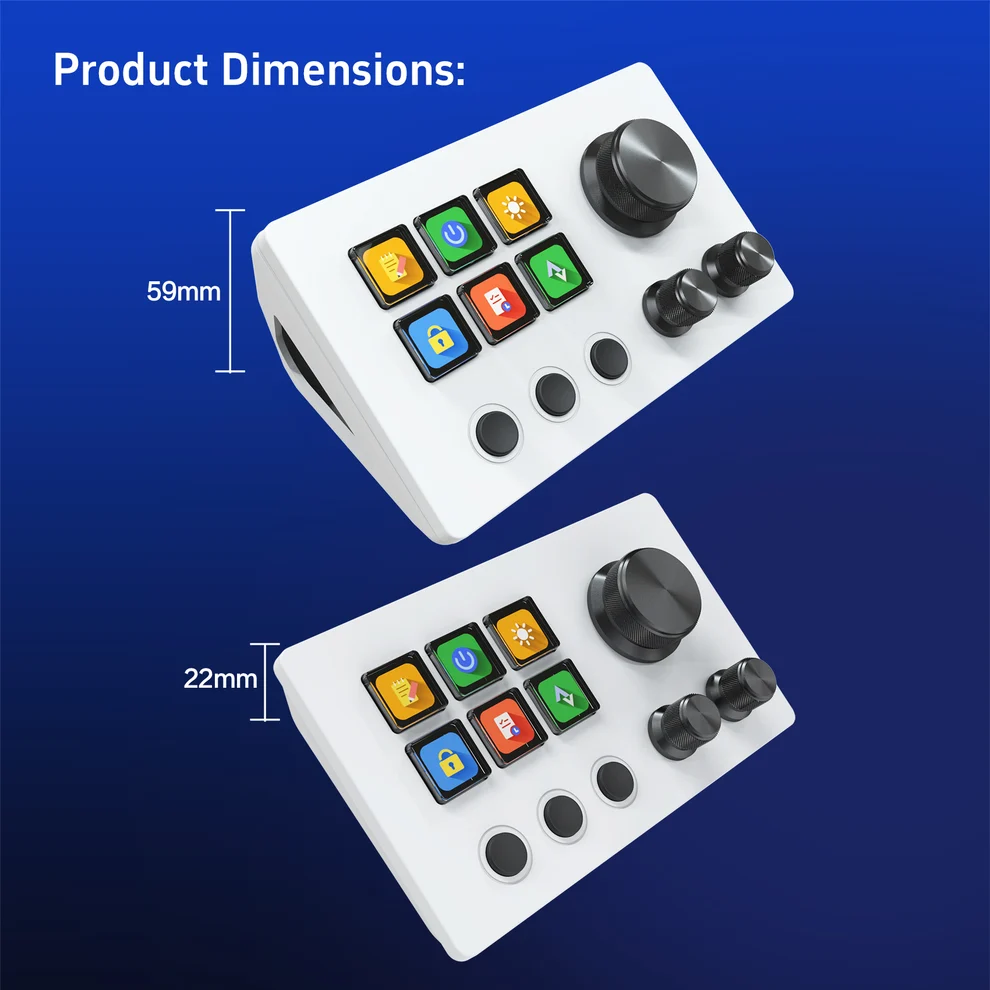
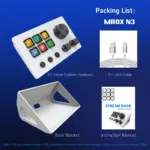
● Desktop Stand Included: Position the controller at an accessible desktop angle using the supplied stand.
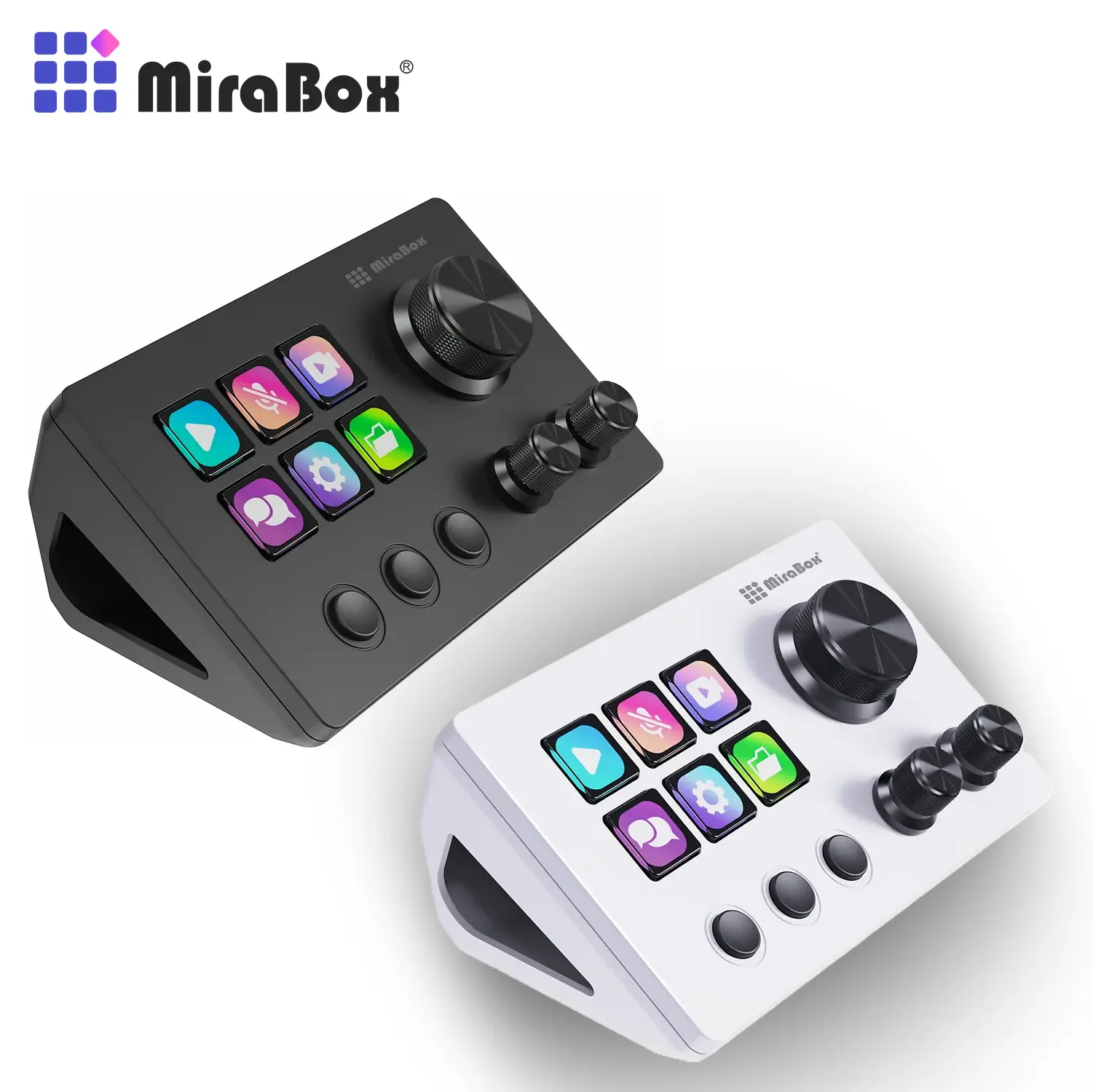
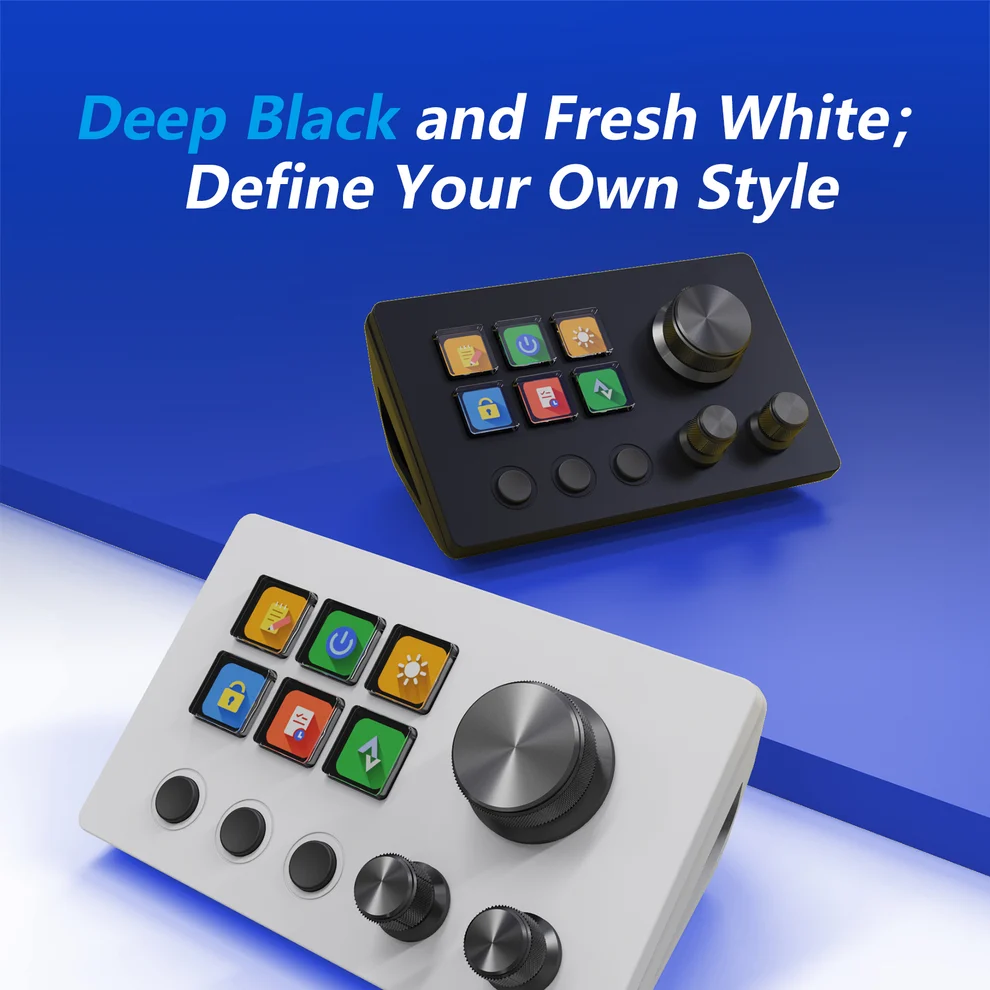
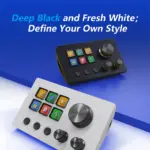
● Compact White Design: A clean white housing with contrasting dark rotary knobs and tactile buttons complements creative, streaming and gaming workspaces.
● Windows and macOS Support: Customize the N3 on compatible Windows PCs and Mac computers using MiraBox Stream Dock software.
Expert Specifications
| Specification | Value |
|---|---|
| Product Identification | |
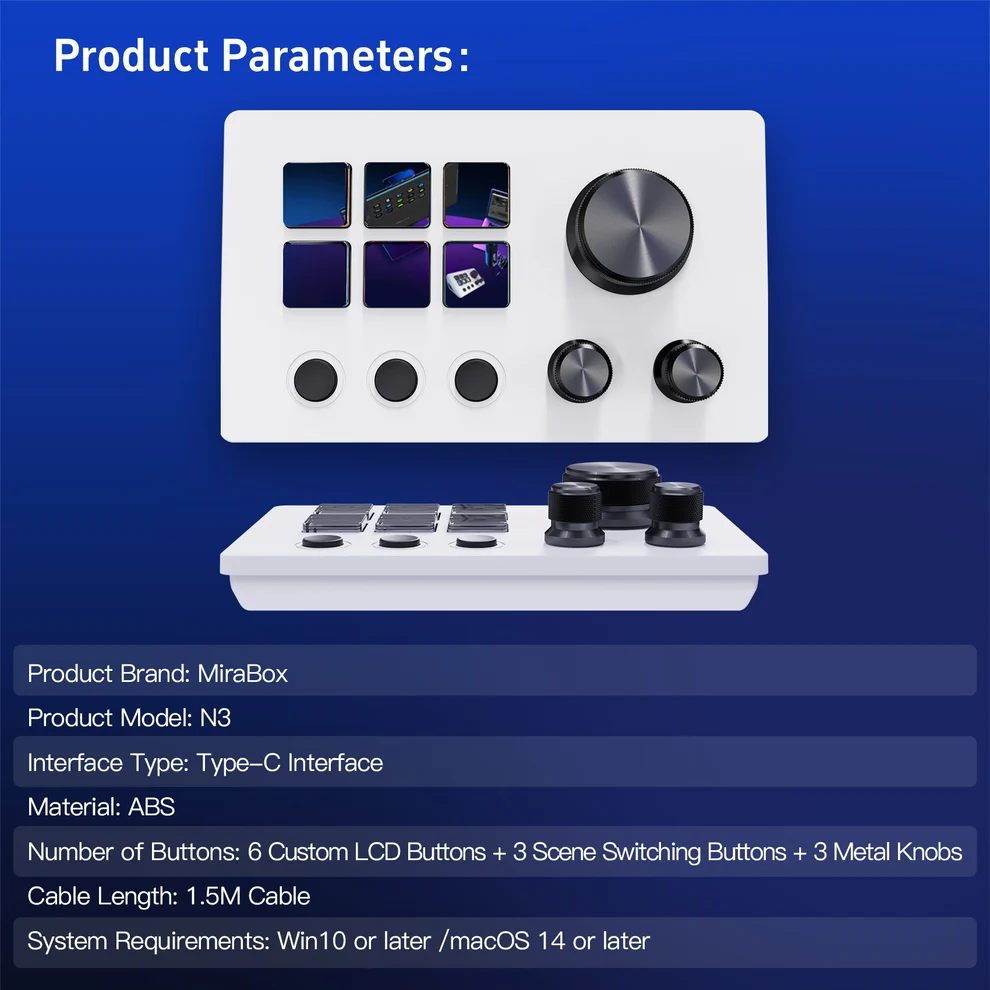
| Brand | MiraBox |
| Series | Stream Dock / MBox |
| Model | N3 |
| Product Type | Programmable Desktop Macro Controller / Stream Deck |
| Colour | White |
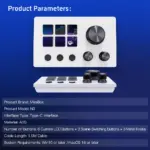
| Control Configuration | 6 LCD Keys + 3 Rotary Knobs + 3 Physical Buttons |
| LCD Keys & Physical Controls | |
| Customizable LCD Keys | 6 |
| LCD Key Arrangement | 3 Columns × 2 Rows |
| LCD Key Customization | Static Icons and Animated GIFs |
| Rotary Encoders | 3 (1 Large + 2 Smaller Knobs) |
| Rotary Control Functions | Adjustable Application Parameters and Commands |
| Rotary Press Actions | Supported |
| Additional Physical Buttons | 3 × Non-LCD Buttons Below LCD Keys |
| Dedicated Touchscreen | None |
| Integrated USB Hub | None |
| Software & Programmability | |
| Configuration Software | MiraBox Stream Dock |
| Configuration Method | Drag-and-Drop Action Assignment |
| Programmable Actions | Application Launch, Hotkeys, Macros and Media Controls |
| Multi-Action Execution | Action Flow / Ordered Command Sequences |
| Scene Switching | Automatic Application-Specific Profile Switching |
| Action Organization | Folders and Profiles |
| Streaming Integration | OBS Studio via Compatible Actions |
| Additional Use Cases | Video Editing, Graphic Design, Media Control, Gaming and Office Work |
| Plugin Library | 400+ Free Plugins |
| Themes and Scenes | 300+ |
| Connectivity & Compatibility | |
| Connection Type | Wired USB |
| USB Standard | USB 2.0 |
| Device Connection | USB-C |
| Included Host Cable | USB-C to USB-A |
| Compatible Computers | Windows PCs and Mac Computers |
| Customization Requirements | MiraBox Stream Dock Software |
| Physical Design & Package Contents | |
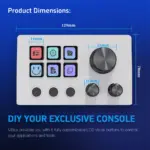
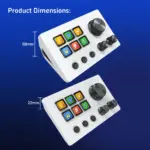
| Dimensions | 129 × 78 × 59mm |
| Weight Without Stand | 148g |
| Weight With Stand | 200g |
| Desktop Stand | Included |
| In-Box Console | 1 × MiraBox N3 |
| In-Box Cable | 1 × USB-C-to-USB-A Cable |
| In-Box Guide | Quick Start Guide |
You may also like
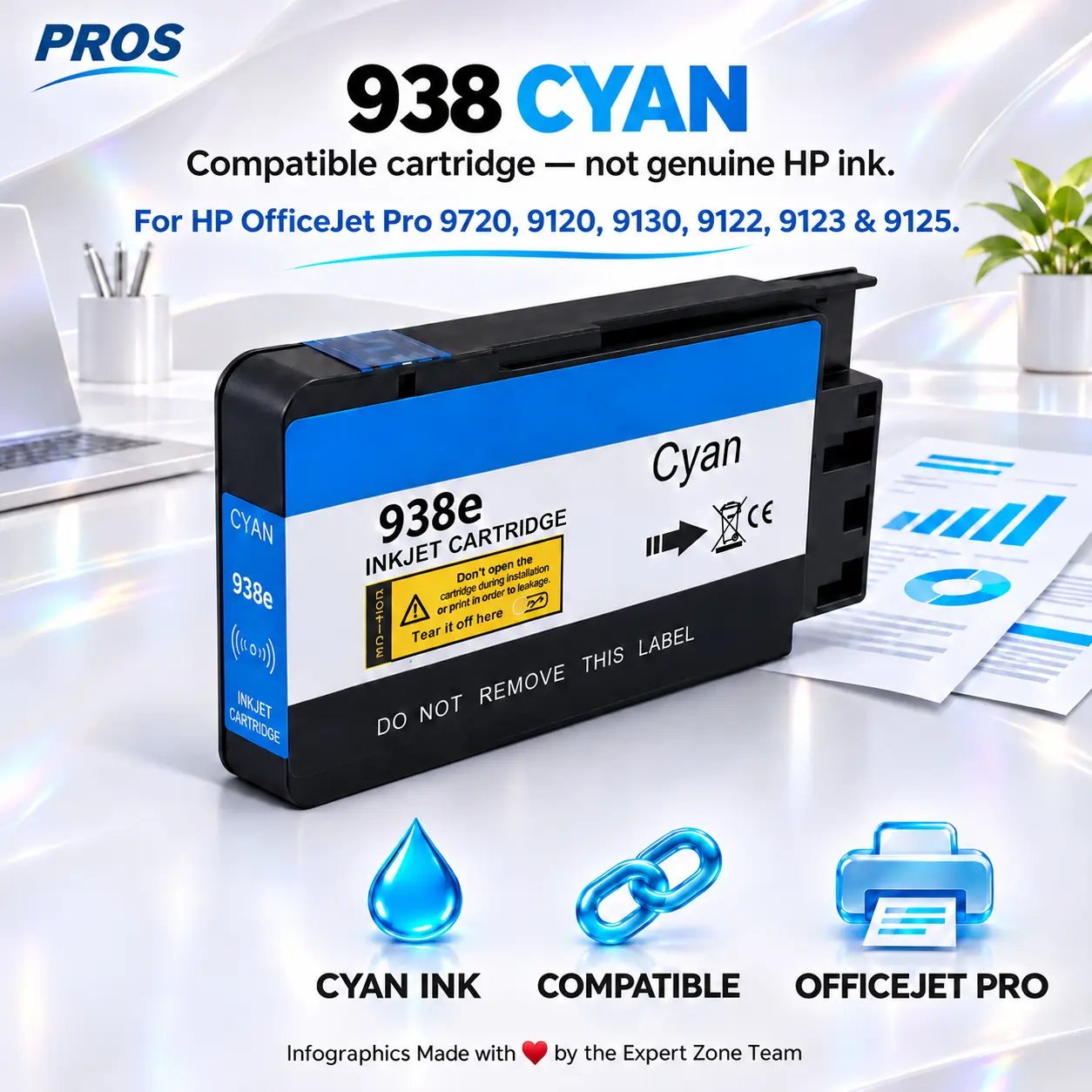
PROS 938 Cyan Compatible Ink Cartridge for HP OfficeJet Pro 9720, 9120, 9130, 9122, 9123 and 9125 Printers
SKU:
PROS-INK-938-CYAN
$ 18.00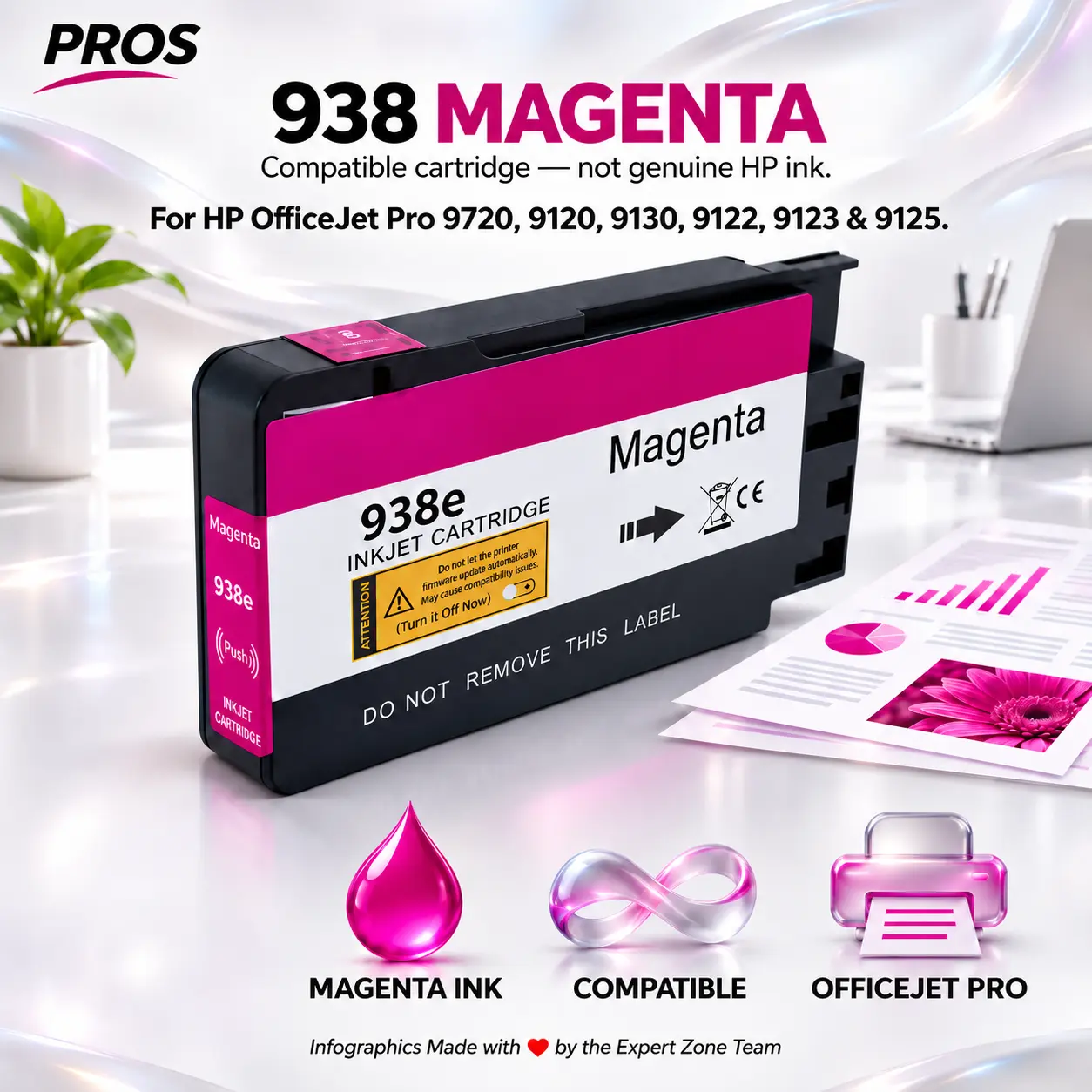
PROS 938 Magenta Compatible Ink Cartridge for HP OfficeJet Pro 9720, 9120, 9130, 9122, 9123 and 9125 Printers
SKU:
PROS-INK-938-MAG
$ 18.00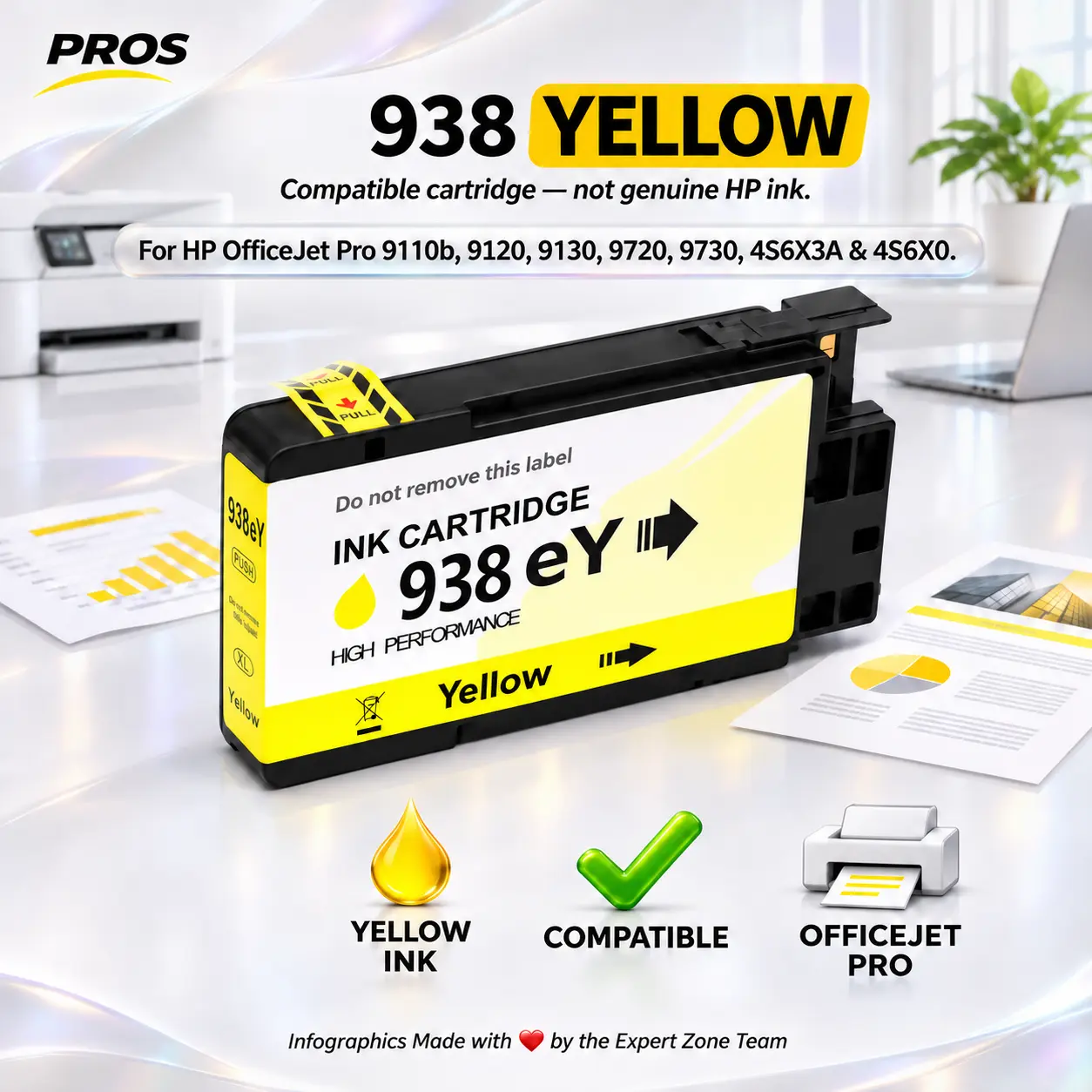
PROS HP 938 Yellow Compatible Ink Cartridge for OfficeJet Pro 9110b, 9120, 9130, 9720, 9730, 4S6X3A and 4S6X0 Printers
SKU:
PROS-INK-938-YELLOW
$ 18.00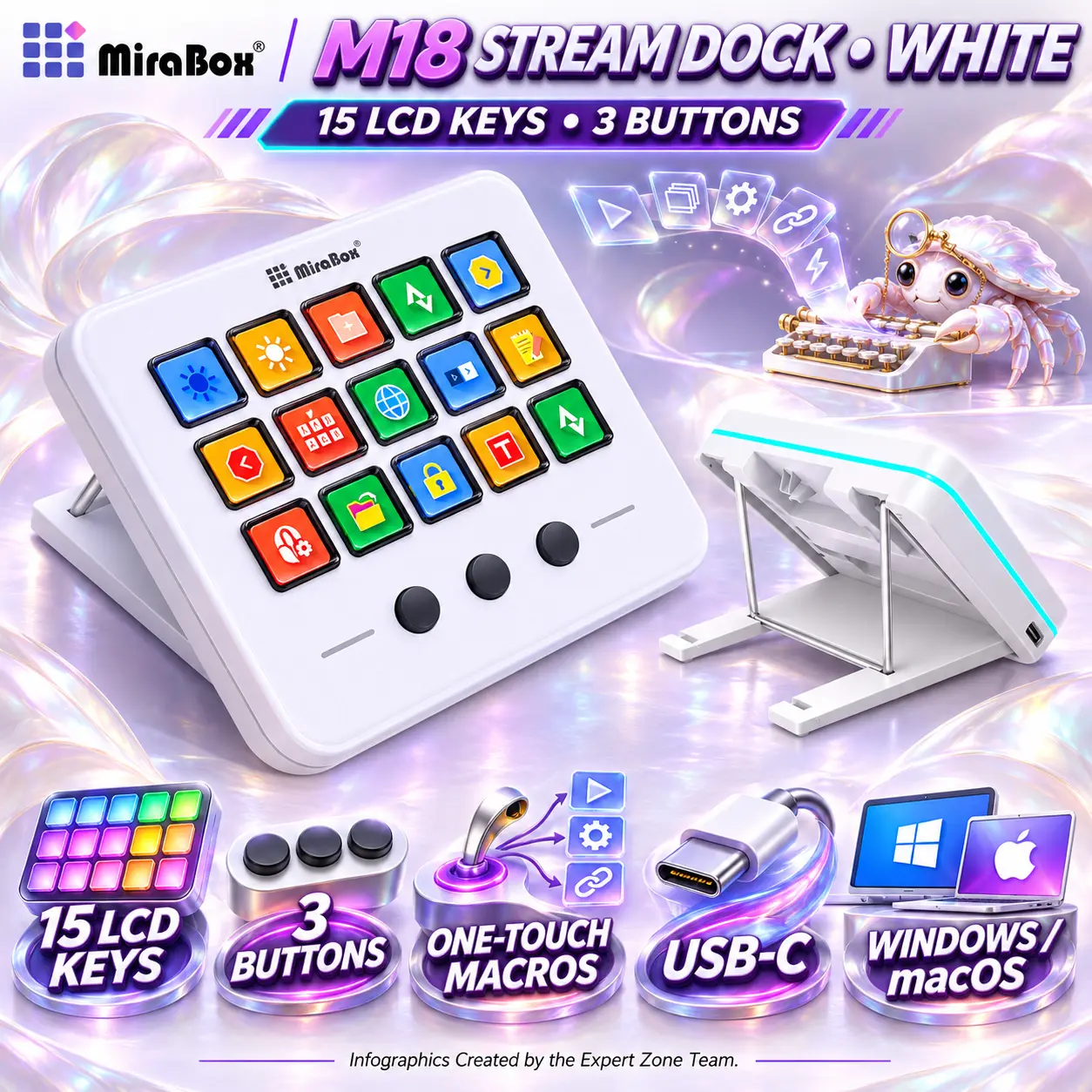
 Keyboard
 OFFICE KEYBOARD
 Mouse
 OFFICE MOUSE
 Wrist Rest
 Apex seat