

Expert Features
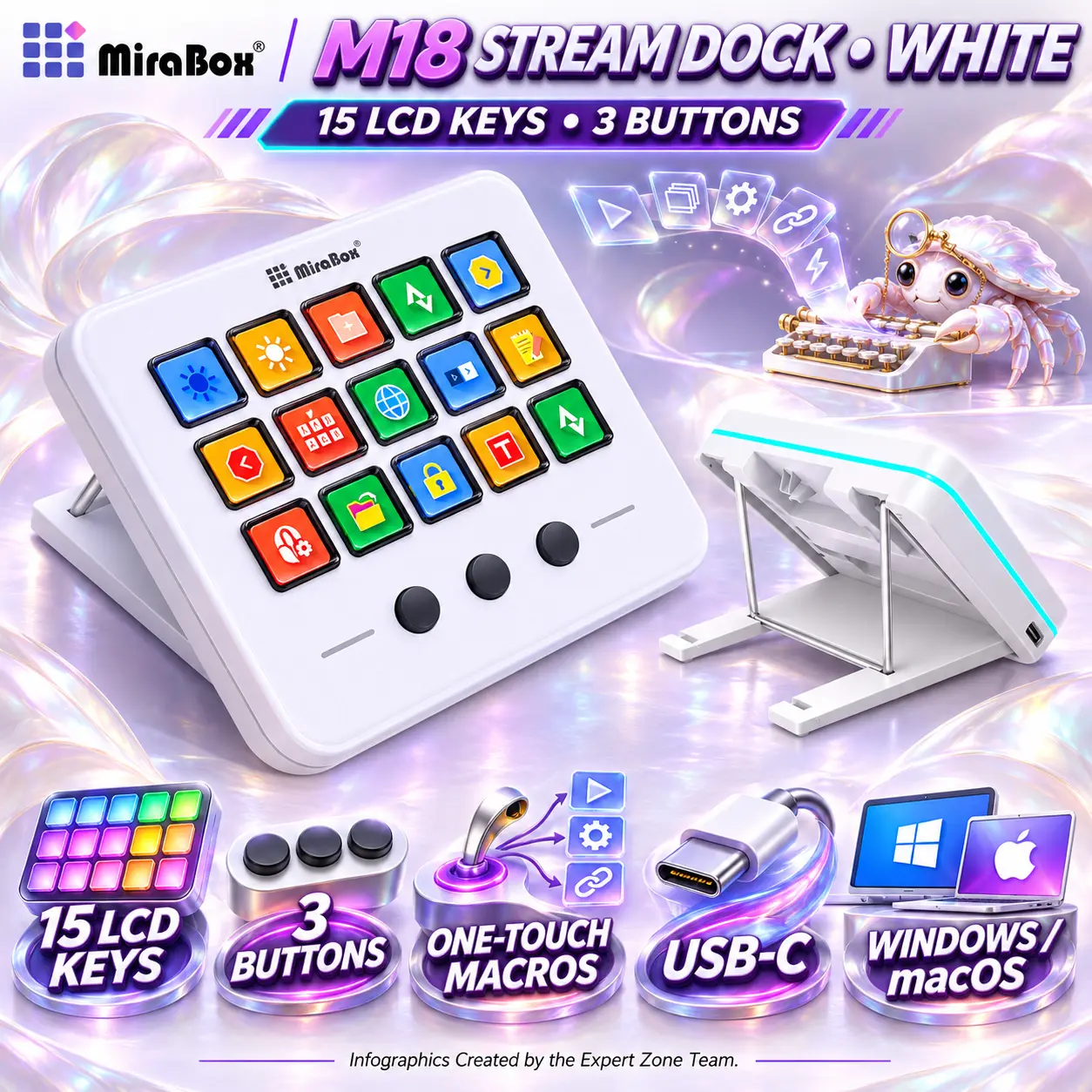
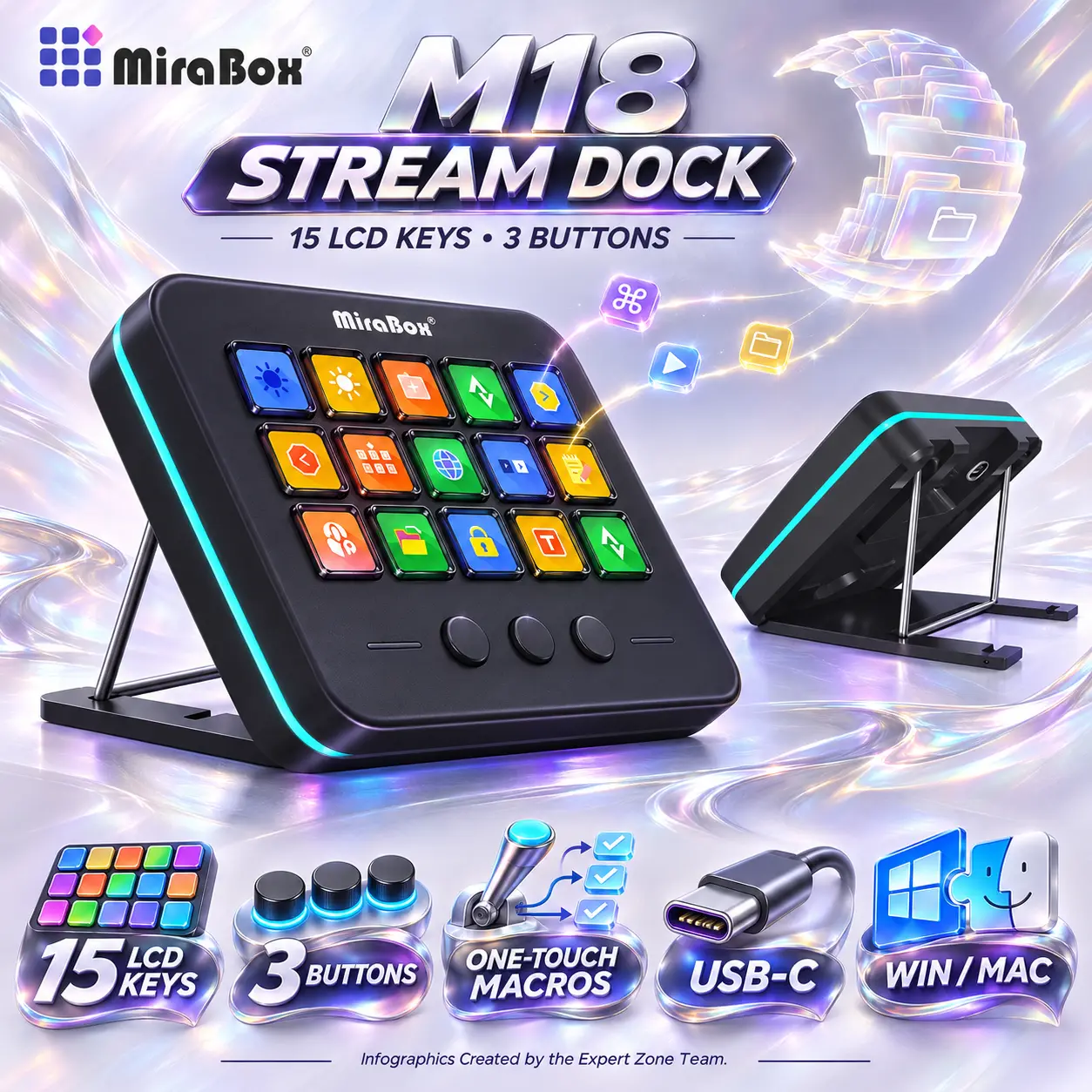
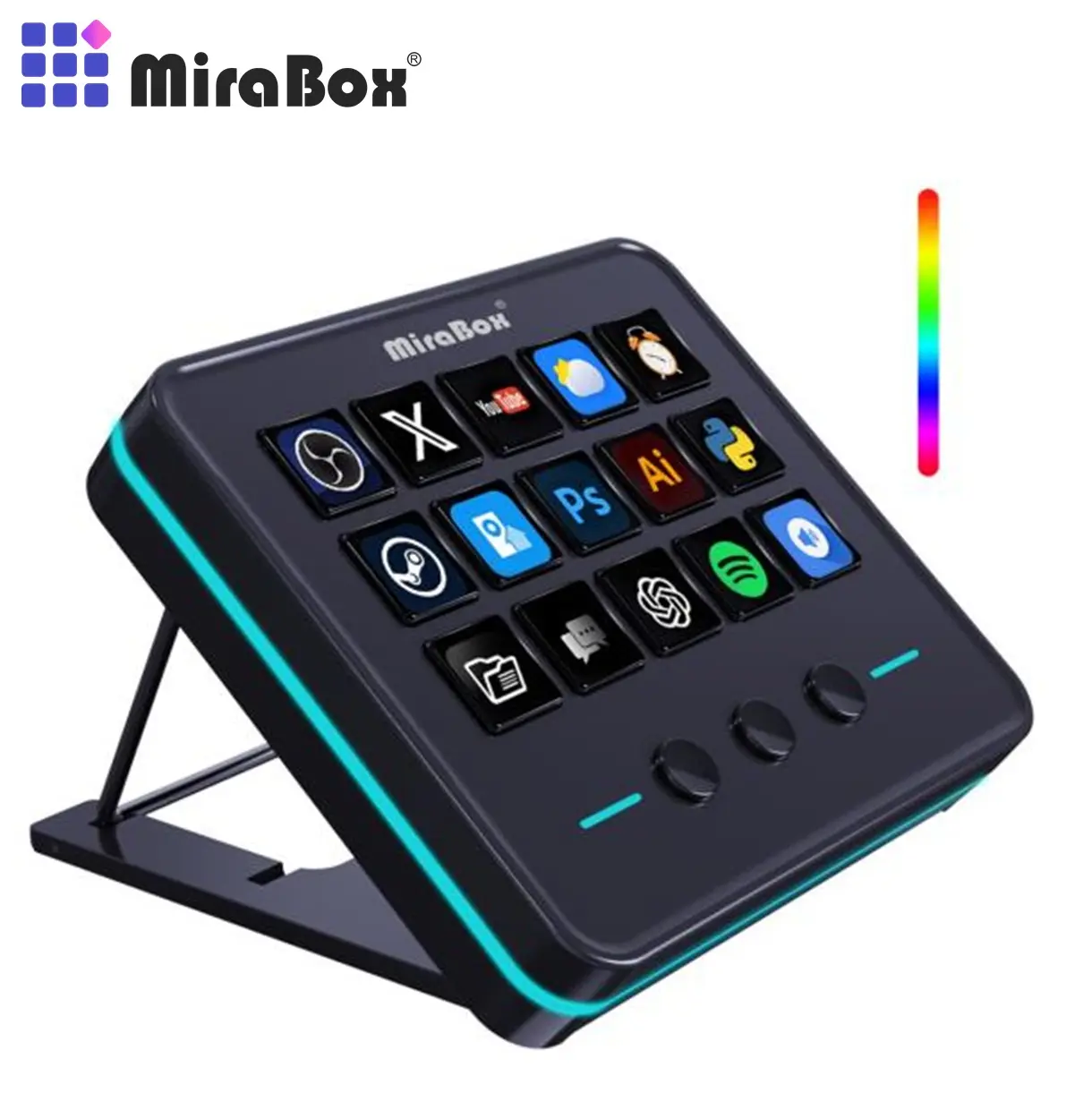
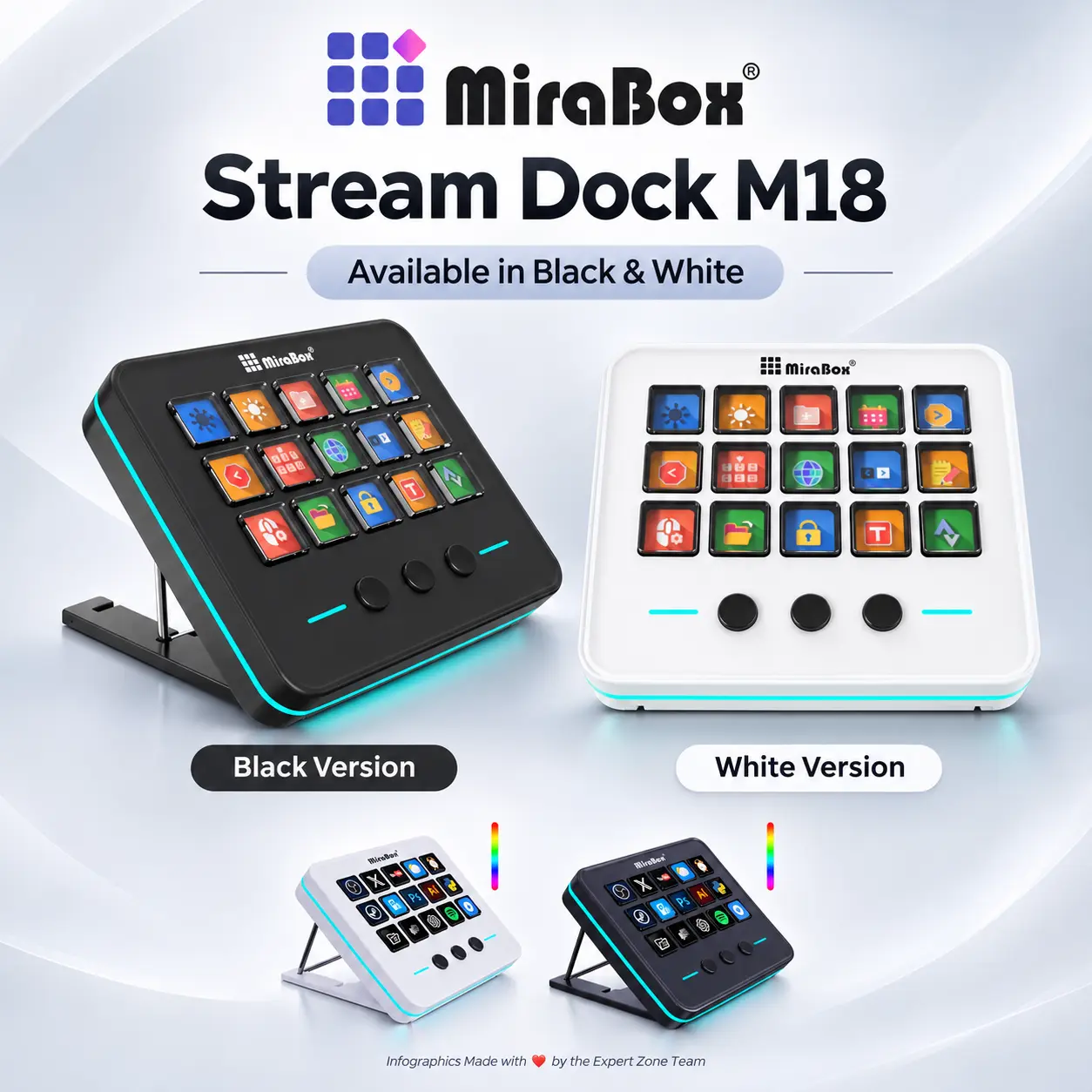
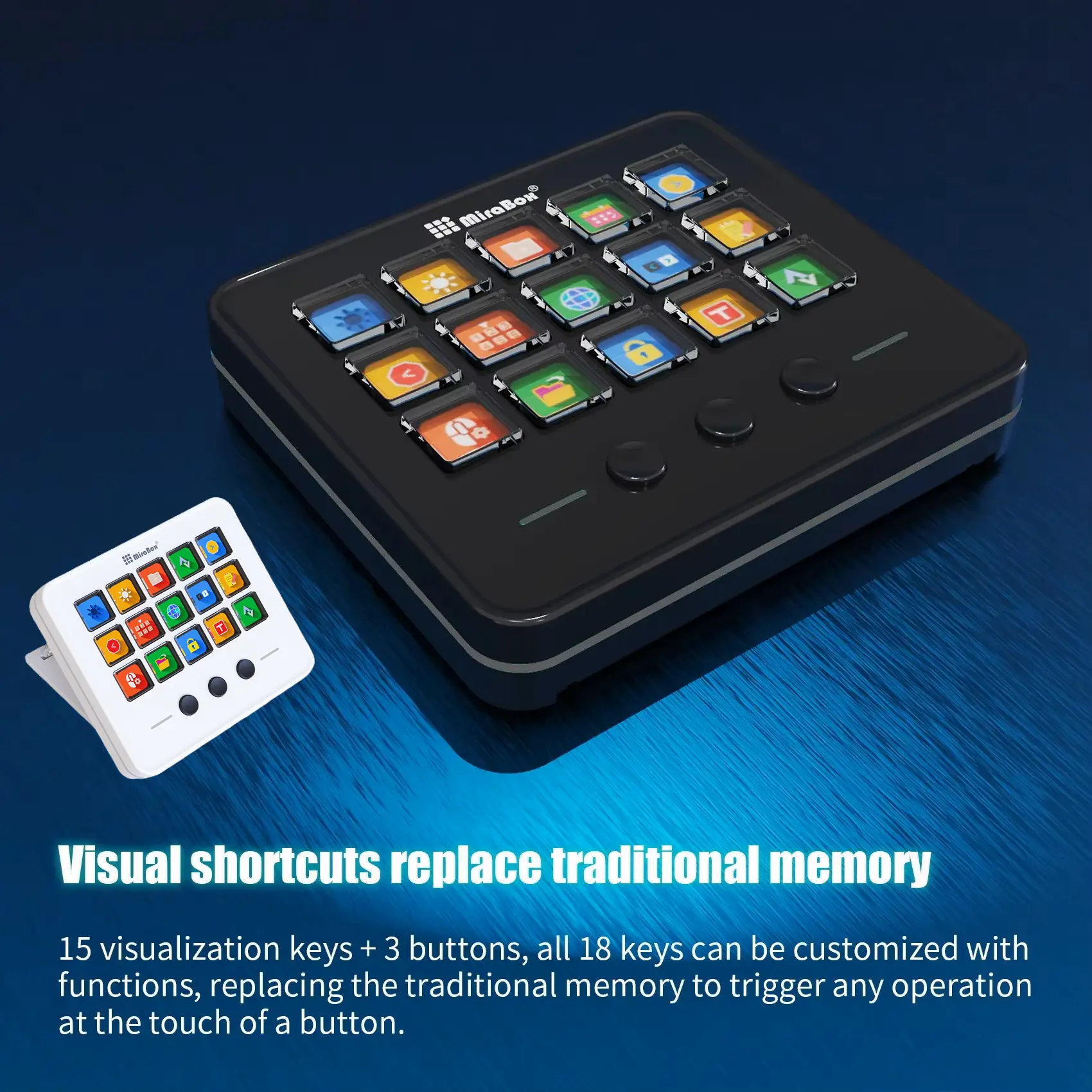
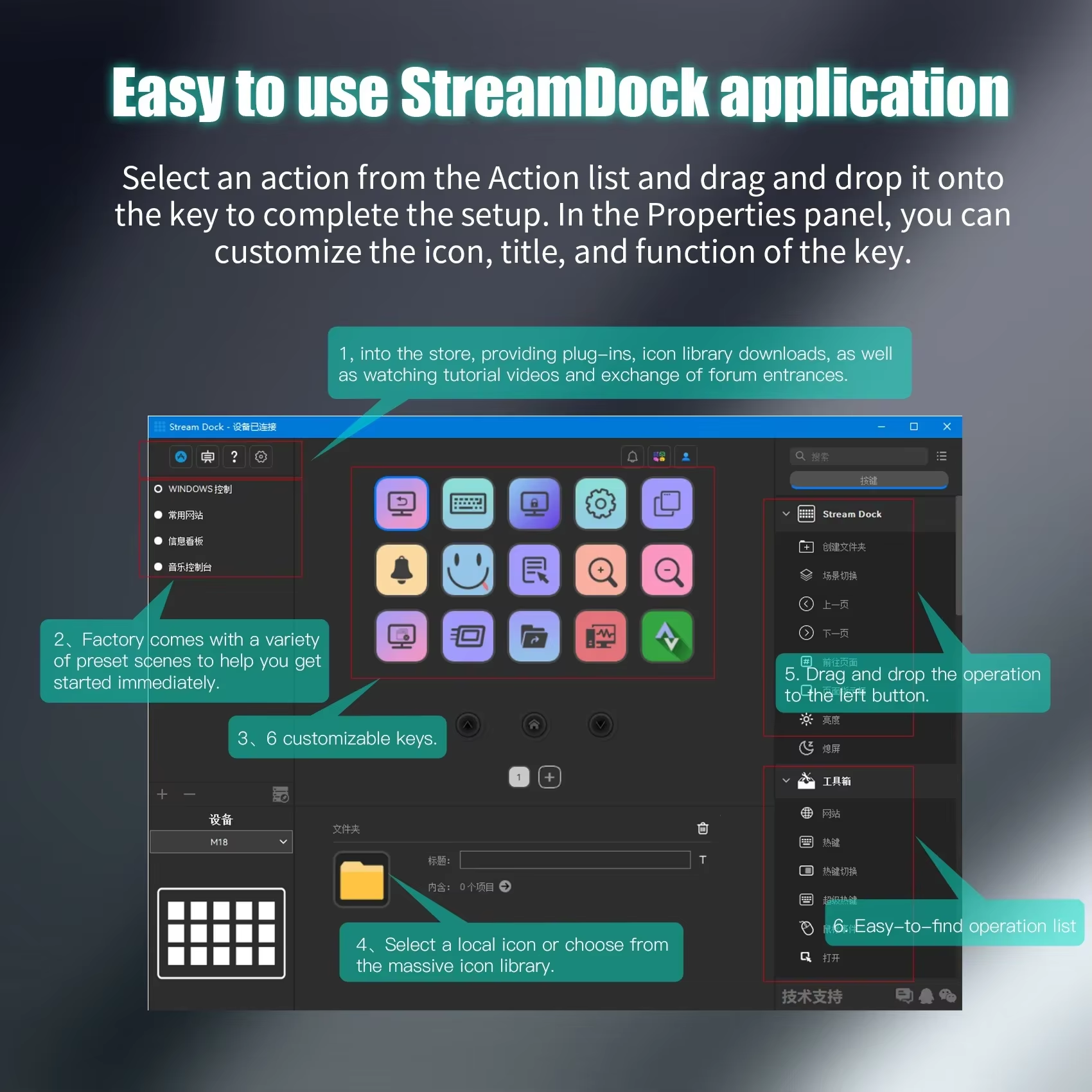
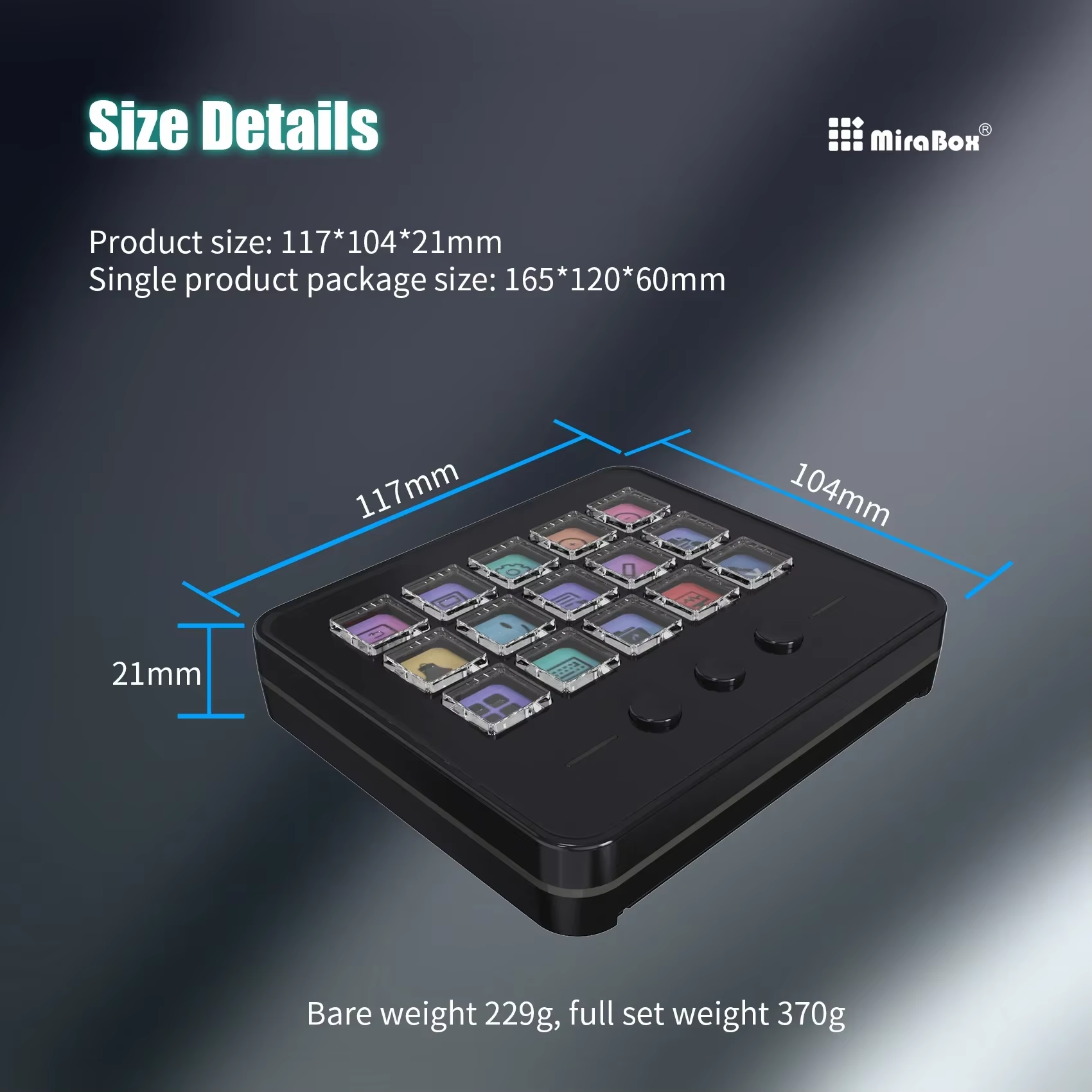
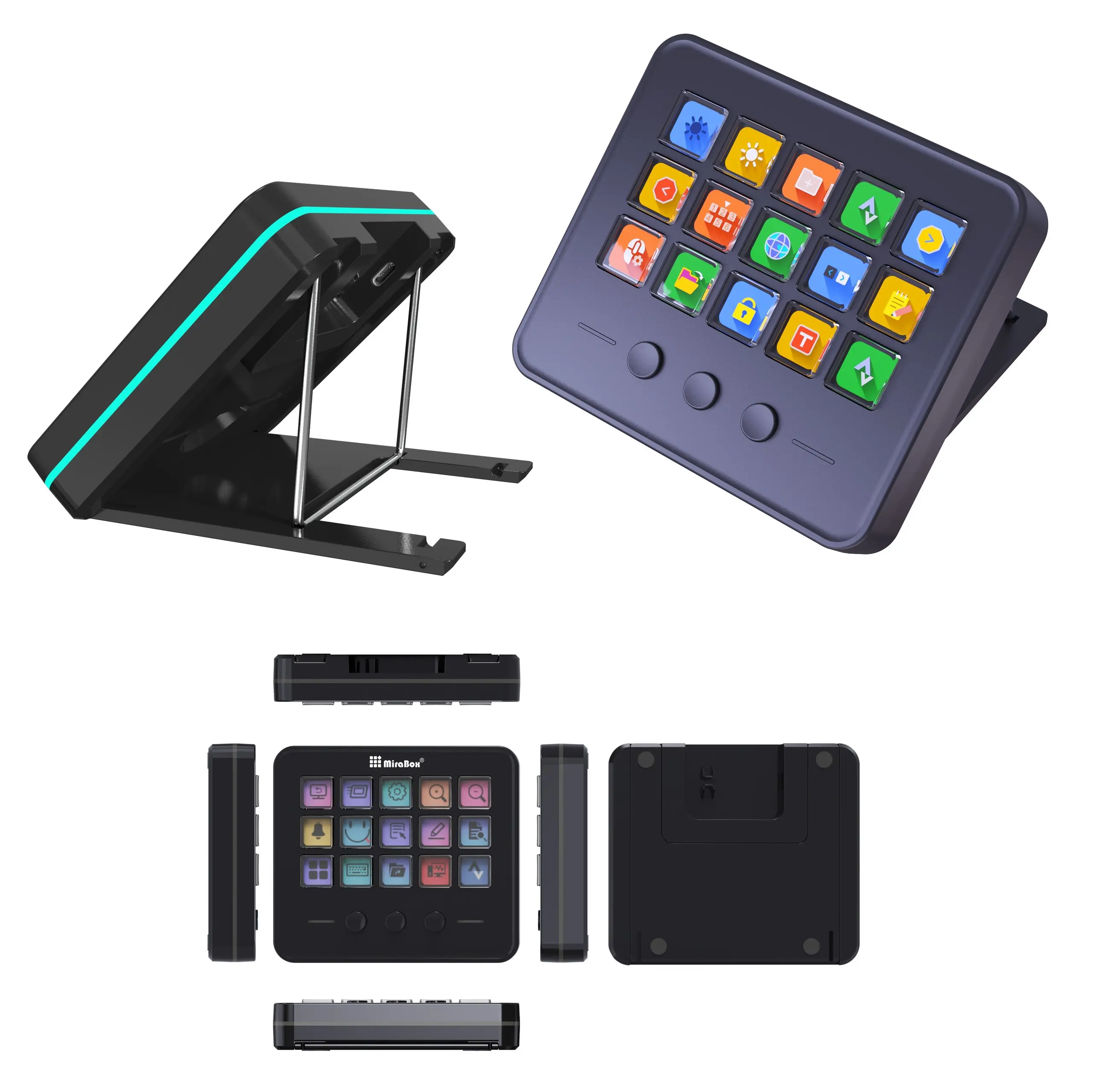
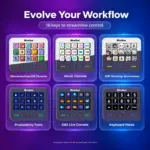
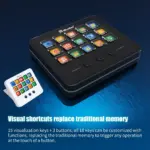
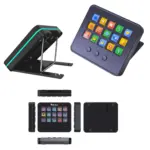
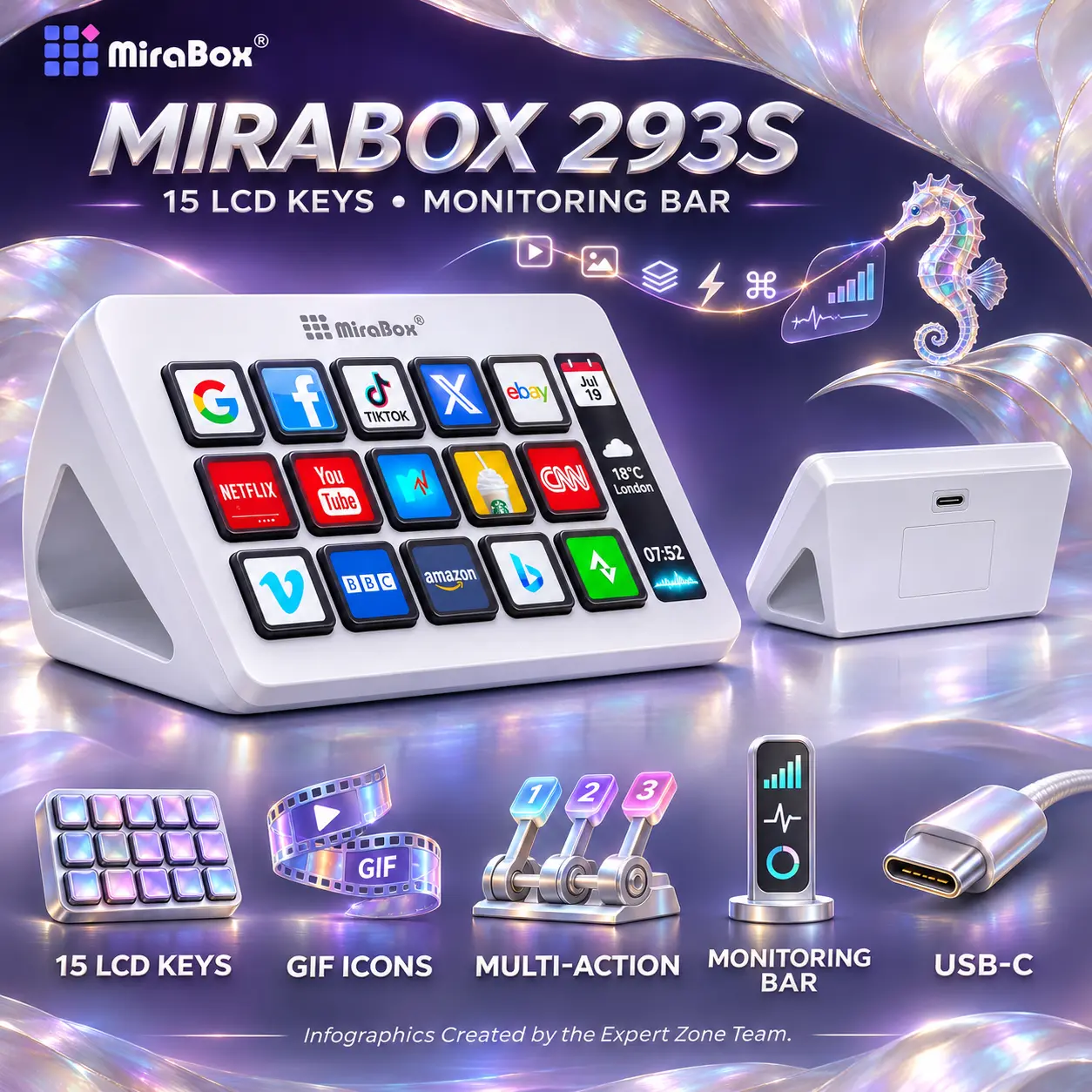
● 15 Customizable LCD Keys: Arrange personalized shortcuts across a 5 × 3 grid of individually labeled LCD keys for instant visual access to frequently used actions.
● Three Additional Physical Buttons: Use the three round, non-LCD buttons beneath the key grid for page navigation or other assignable functions.
● 18-Button Control Layout: Combine fifteen visual keys and three conventional buttons in one streamlined desktop control surface.
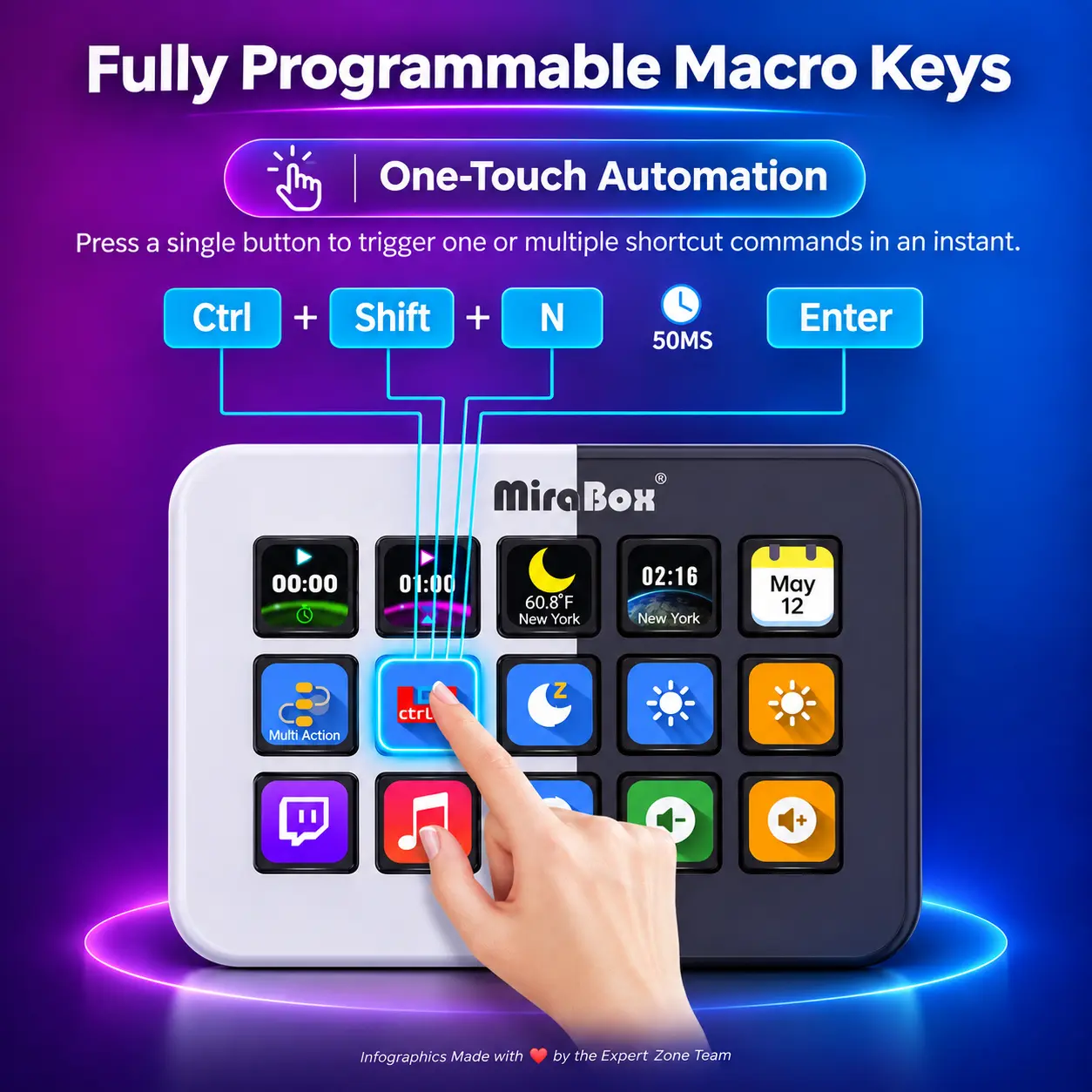
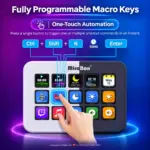
● One-Touch Macro Automation: Trigger configured keyboard shortcuts or sequences of actions with a single press instead of navigating multiple menus.
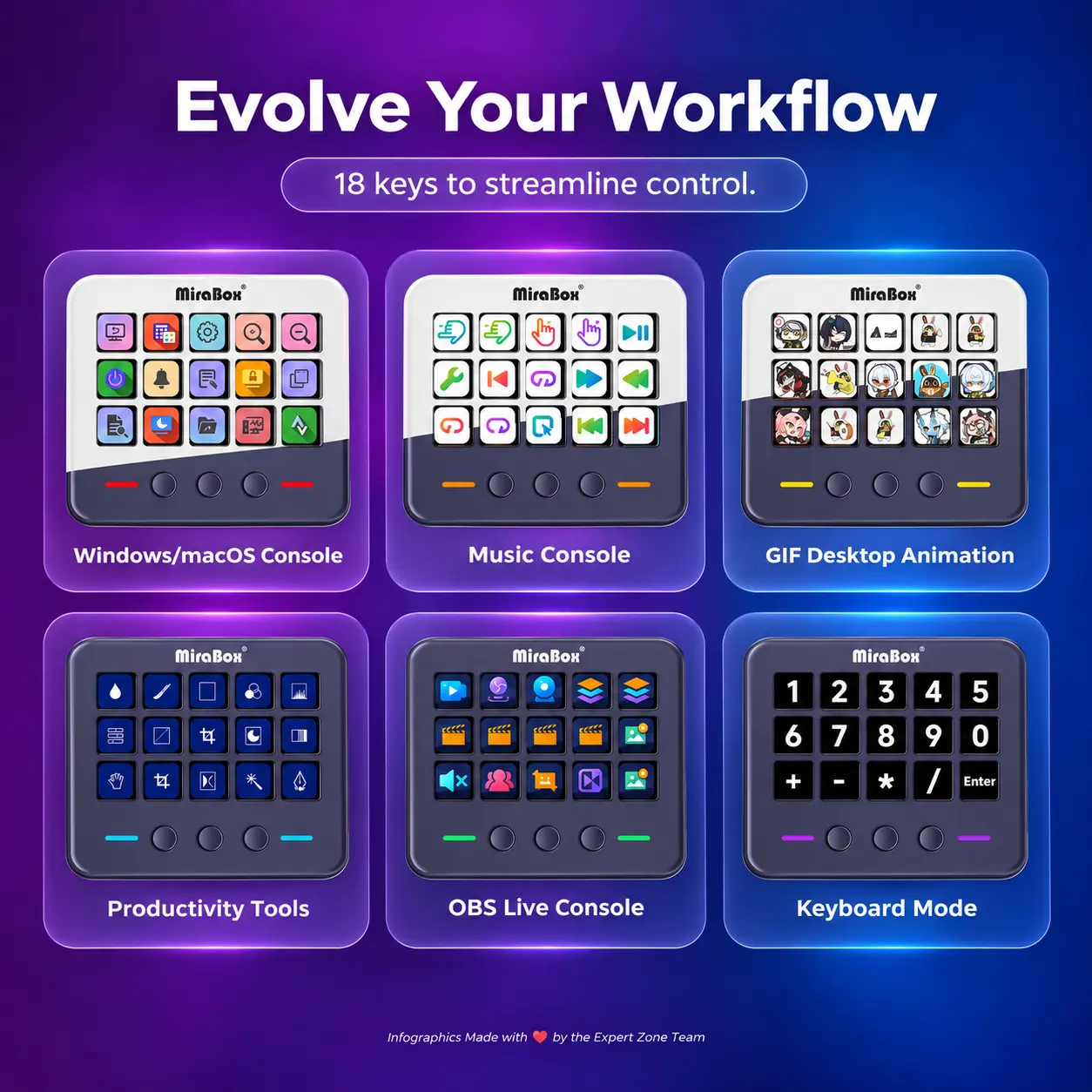
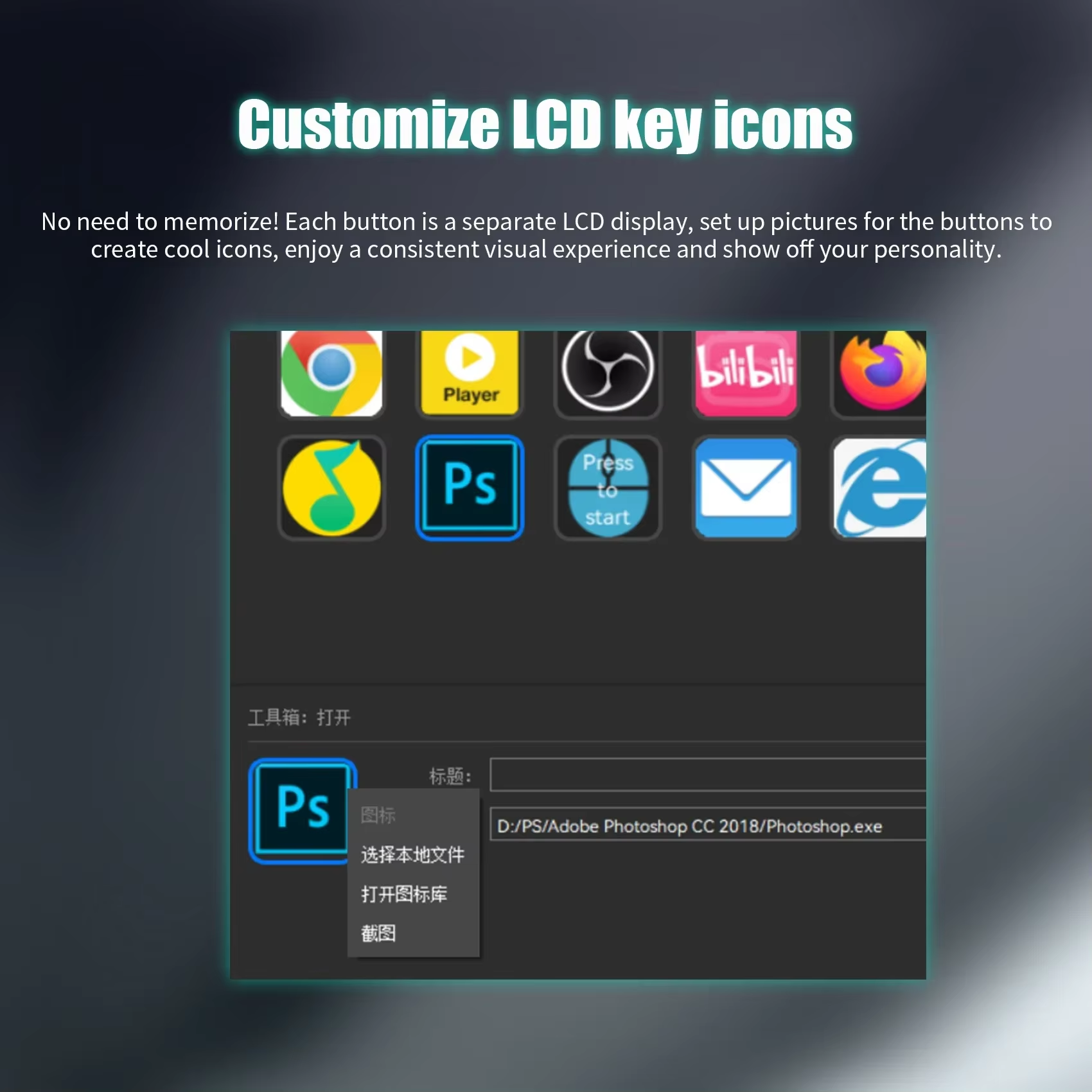
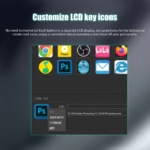
● Personalized Visual Shortcuts: Assign distinctive on-key icons so functions remain easy to recognize during live broadcasts or busy editing sessions.
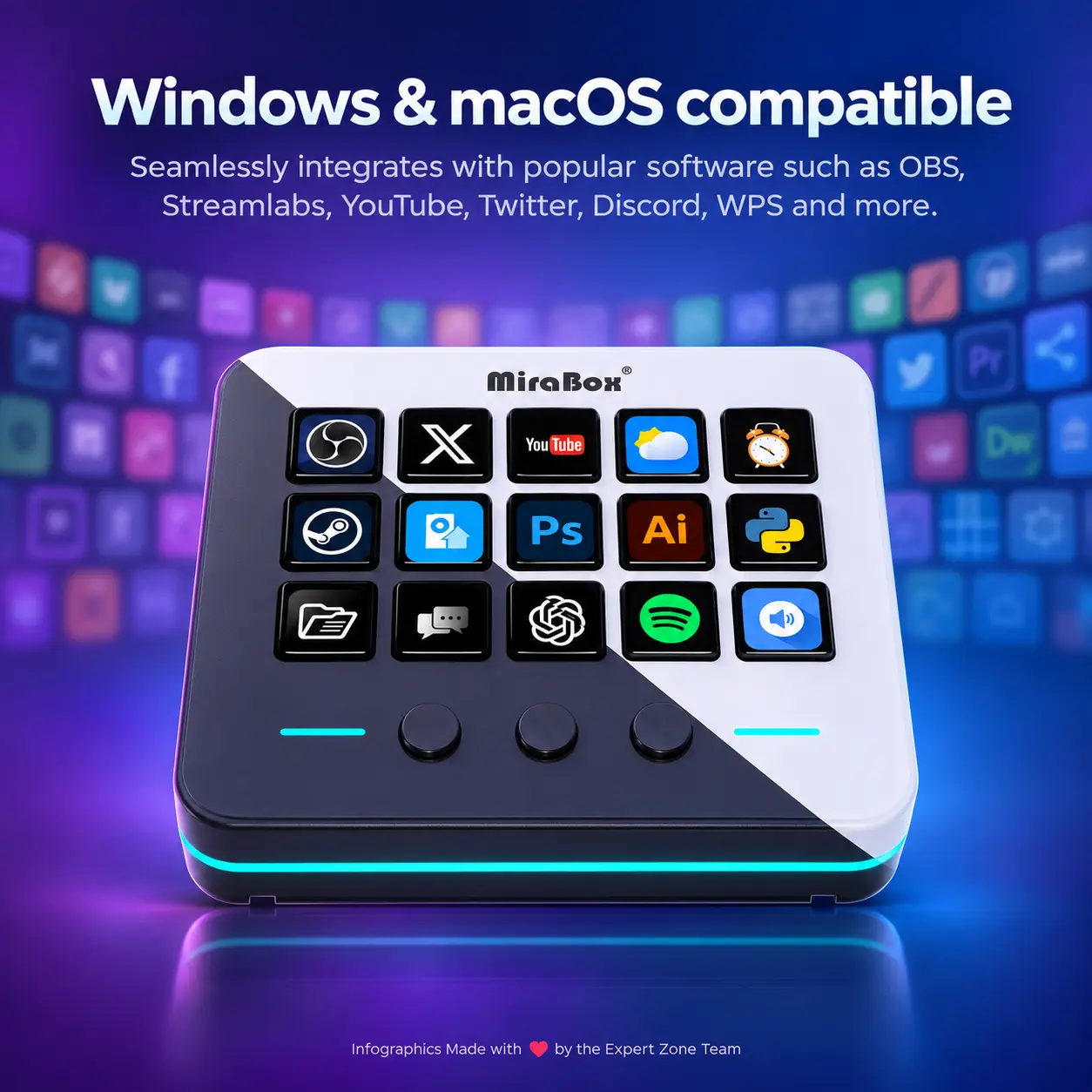
● Streaming Workflow Control: Set up actions for supported streaming workflows, including OBS Studio and Streamlabs, to simplify scene and recording management.
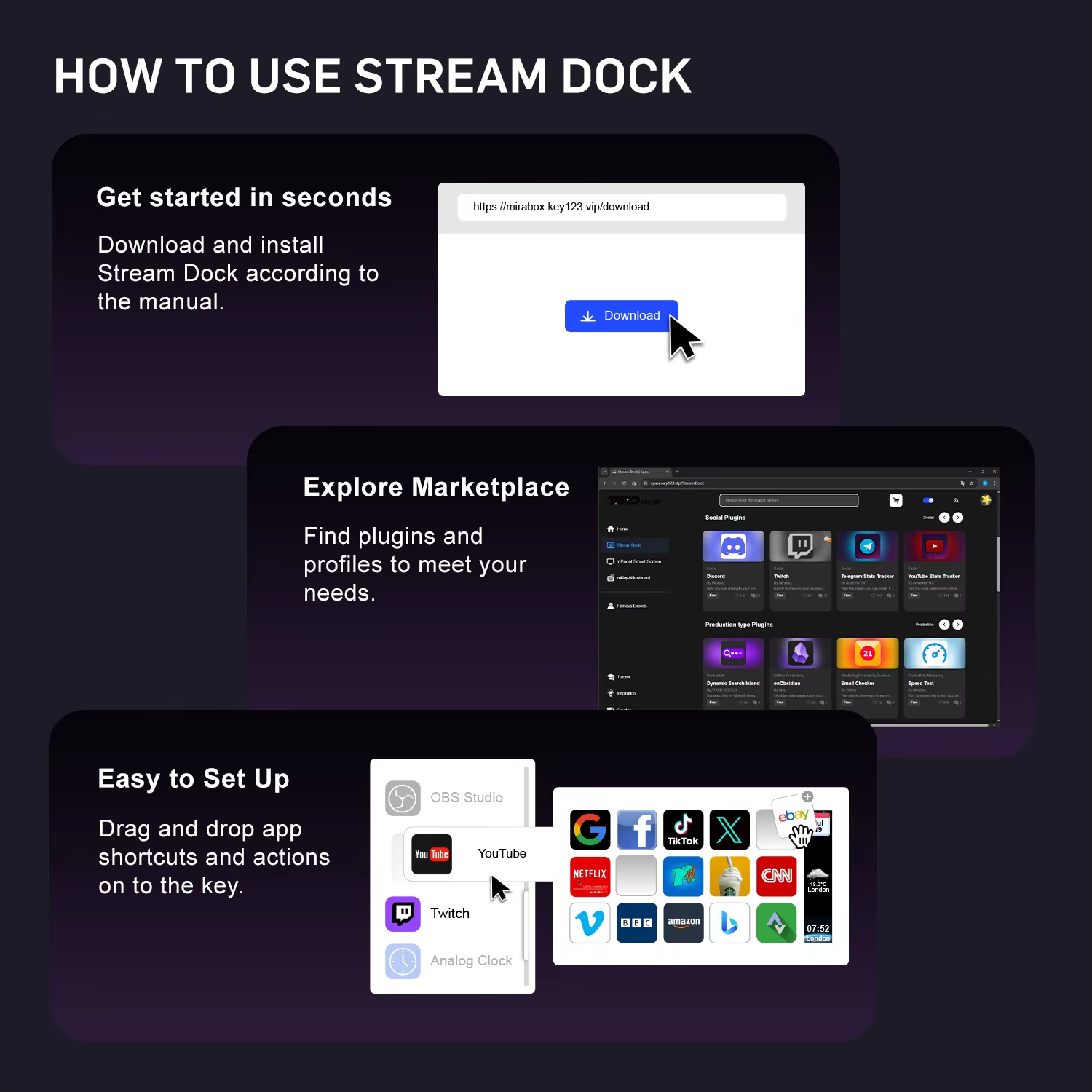
● Application Launching: Open frequently used programs, files and websites directly from configured keys to reduce repetitive desktop navigation.
● Media and Productivity Shortcuts: Organize everyday actions such as music controls, productivity commands and communication workflows on accessible keys.
● Configurable Button Pages: Use the lower buttons to move between control pages and access additional software-defined actions.
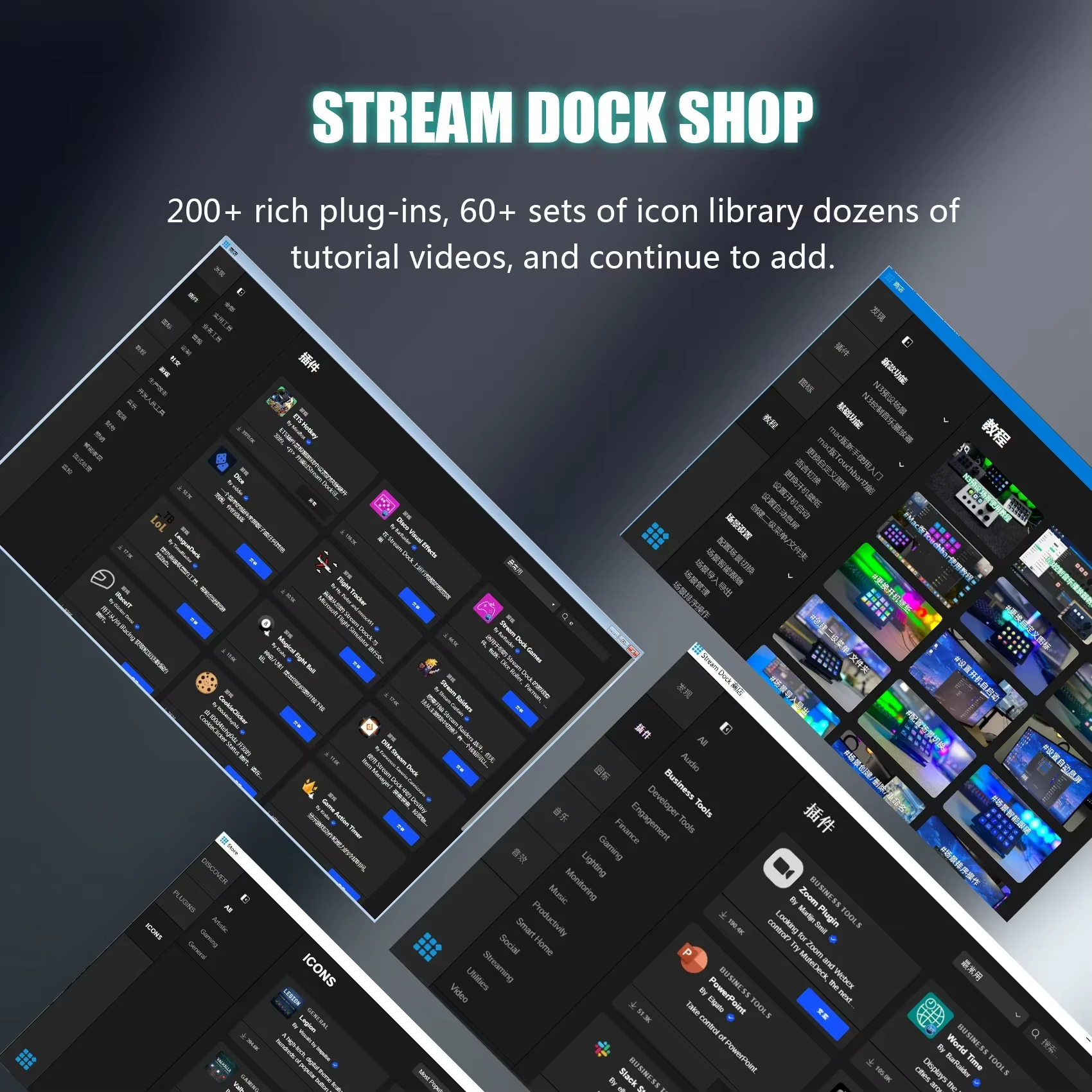
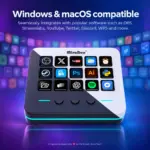
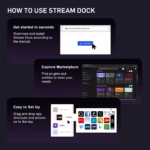
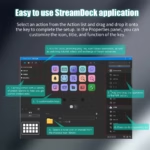
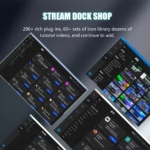
● MiraBox Stream Dock Software: Customize compatible actions and key layouts through the Stream Dock application for Windows and macOS.
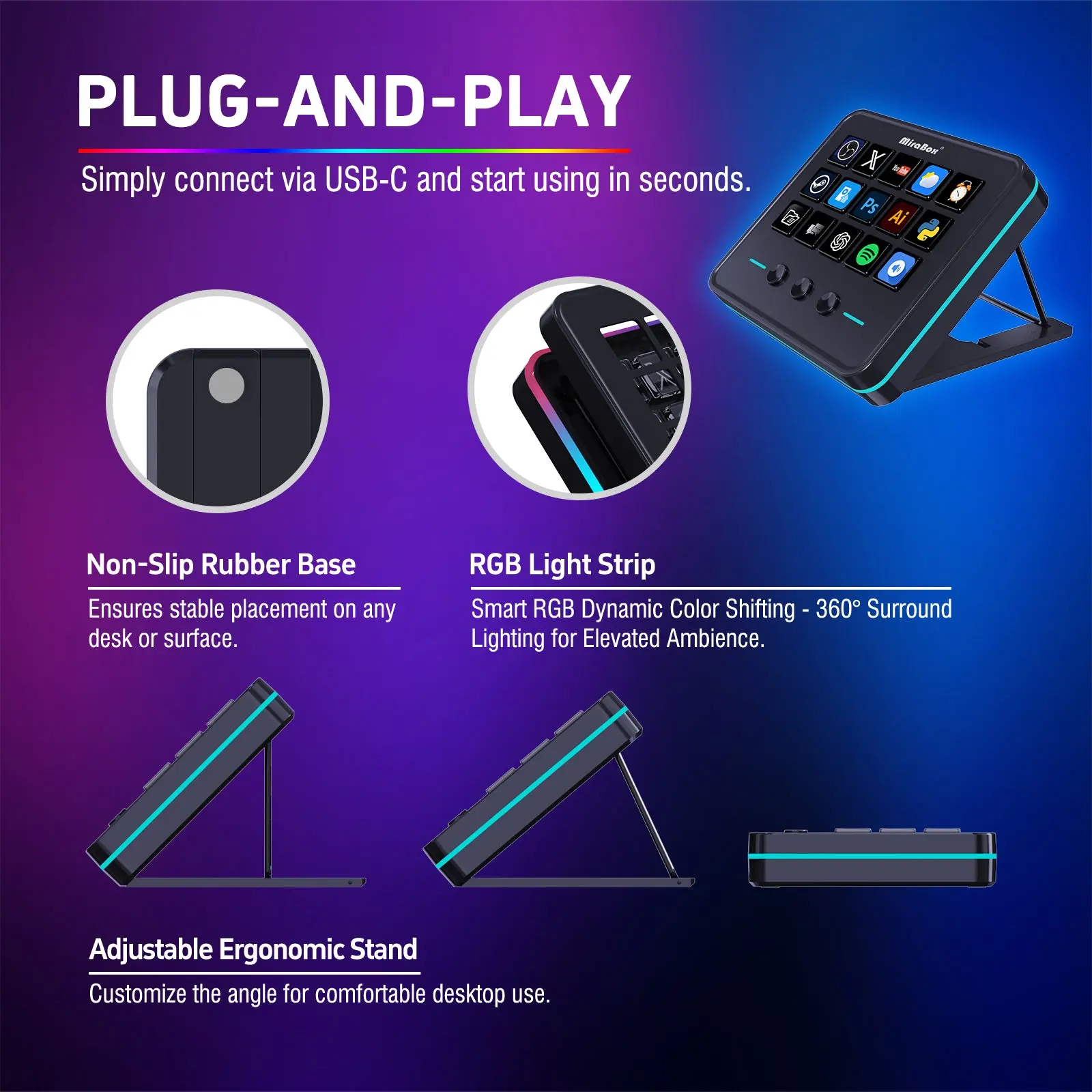
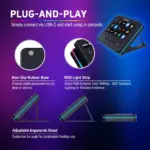
● Wired USB-C Connection: Connect the dock directly to a compatible computer using the supplied USB-A-to-USB-C cable.
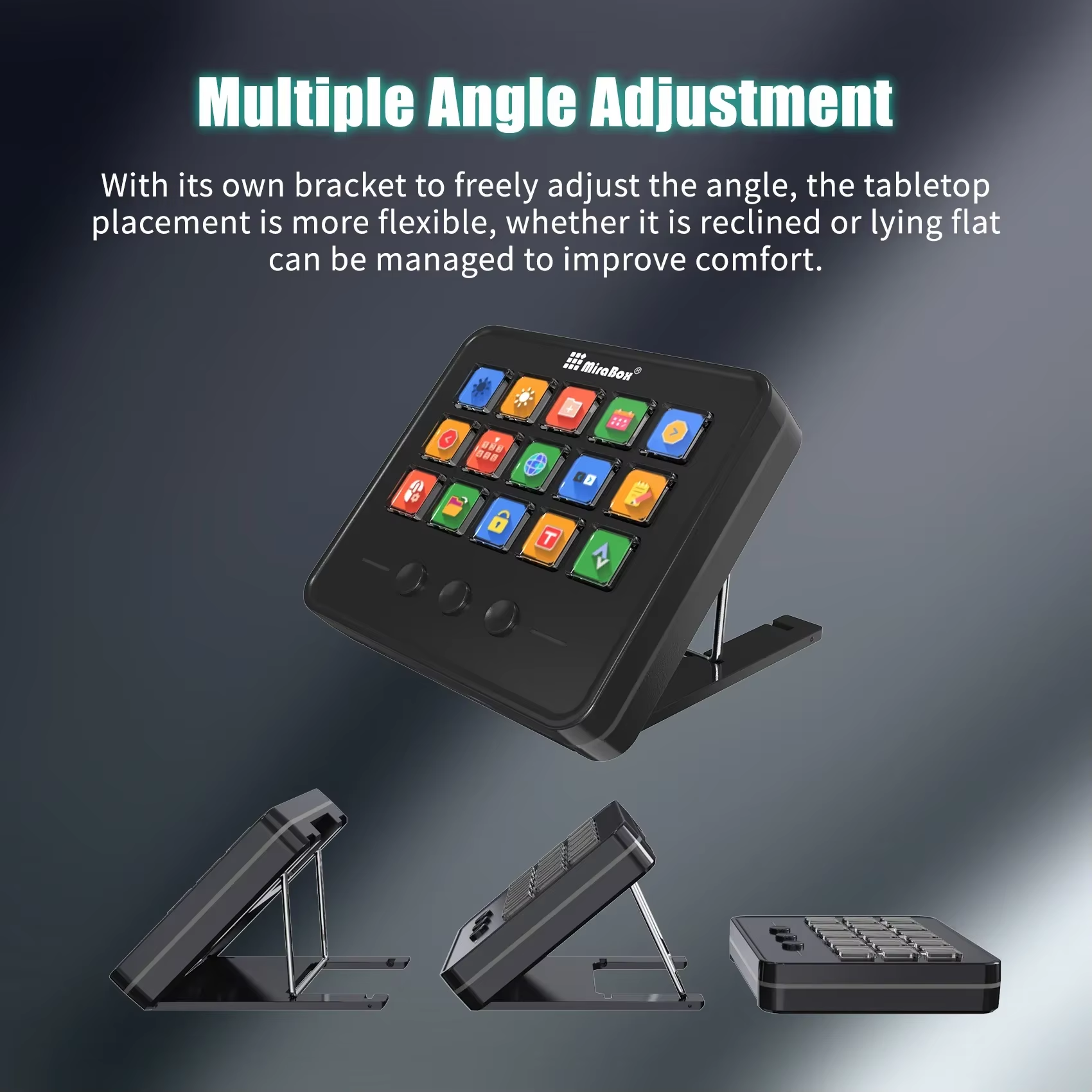
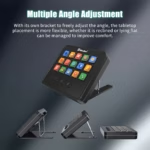
● Angled Desktop Placement: Position the controller on its integrated desktop support for a convenient view of the key grid.
● Windows and macOS Compatibility: Use the M18 with supported Windows PCs and Mac computers for streaming, content creation and daily workflows.
● Compact Black Design: A clean black chassis and vivid key icons complement gaming, editing and streaming desk setups.
Expert Specifications
| Specification | Value |
|---|---|
| Product Identification | |
| Brand | MiraBox |
| Product Name | M18 Stream Dock |
| Model | M18 |
| Product Type | Programmable LCD Macro Keypad / Stream Controller |
| Colour | Black |
| Product Configuration | One Stream Dock Controller |
| Controls & Customization | |
| LCD Key Count | 15 Customizable LCD Keys |
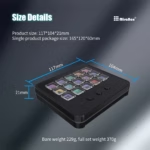
| LCD Key Arrangement | 5 Columns × 3 Rows |
| Additional Physical Controls | 3 Round Non-LCD Buttons Below the Key Grid |
| Total Physical Controls | 18 (15 LCD Keys + 3 Buttons) |
| LCD Key Function | Programmable Visual Shortcuts and Macros |
| Lower Button Function | Configurable Controls; Page Navigation Supported |
| Custom Key Icons | Supported |
| Multi-Action Shortcuts | Supported Through Compatible Software |
| Onboard Stand | Angled Desktop Support |
| Connectivity & Software | |
| Connection Type | Wired USB |
| Device Interface | USB Type-C |
| Computer Cable Connection | USB Type-A to USB Type-C |
| Configuration Software | MiraBox Stream Dock |
| Software Compatibility | Windows / macOS |
| Windows System Requirement | Windows 7 or Later |
| Application Workflows | OBS Studio, Streamlabs and Supported Desktop Applications |
| Supported Activities | Livestreaming, Media Control, Editing and Desktop Automation |
| Package Contents | |
| Stream Dock Controller | 1 × MiraBox M18 |
| USB Connection Cable | 1 × USB-A-to-USB-C Cable |
| Documentation | User Manual |
You may also like
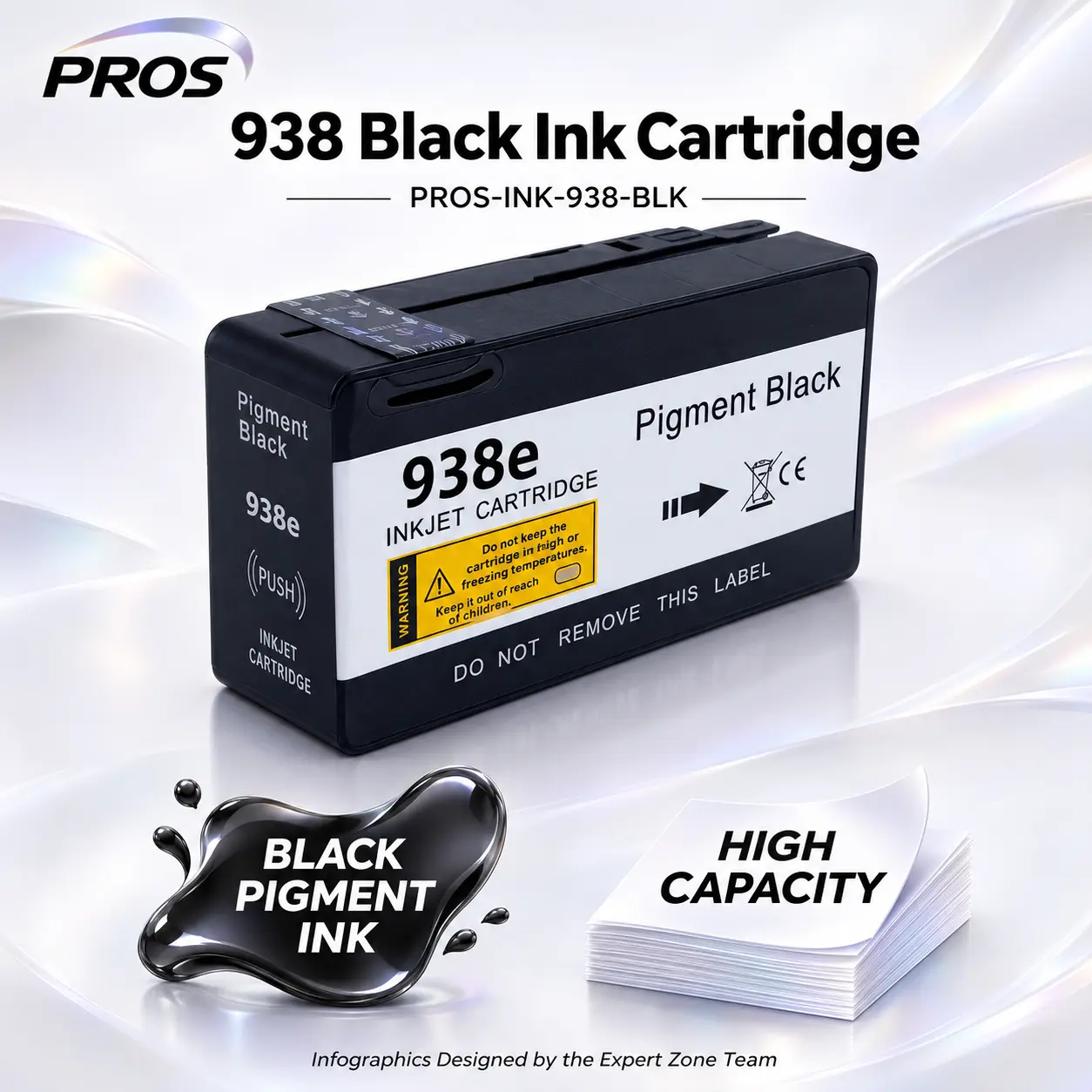
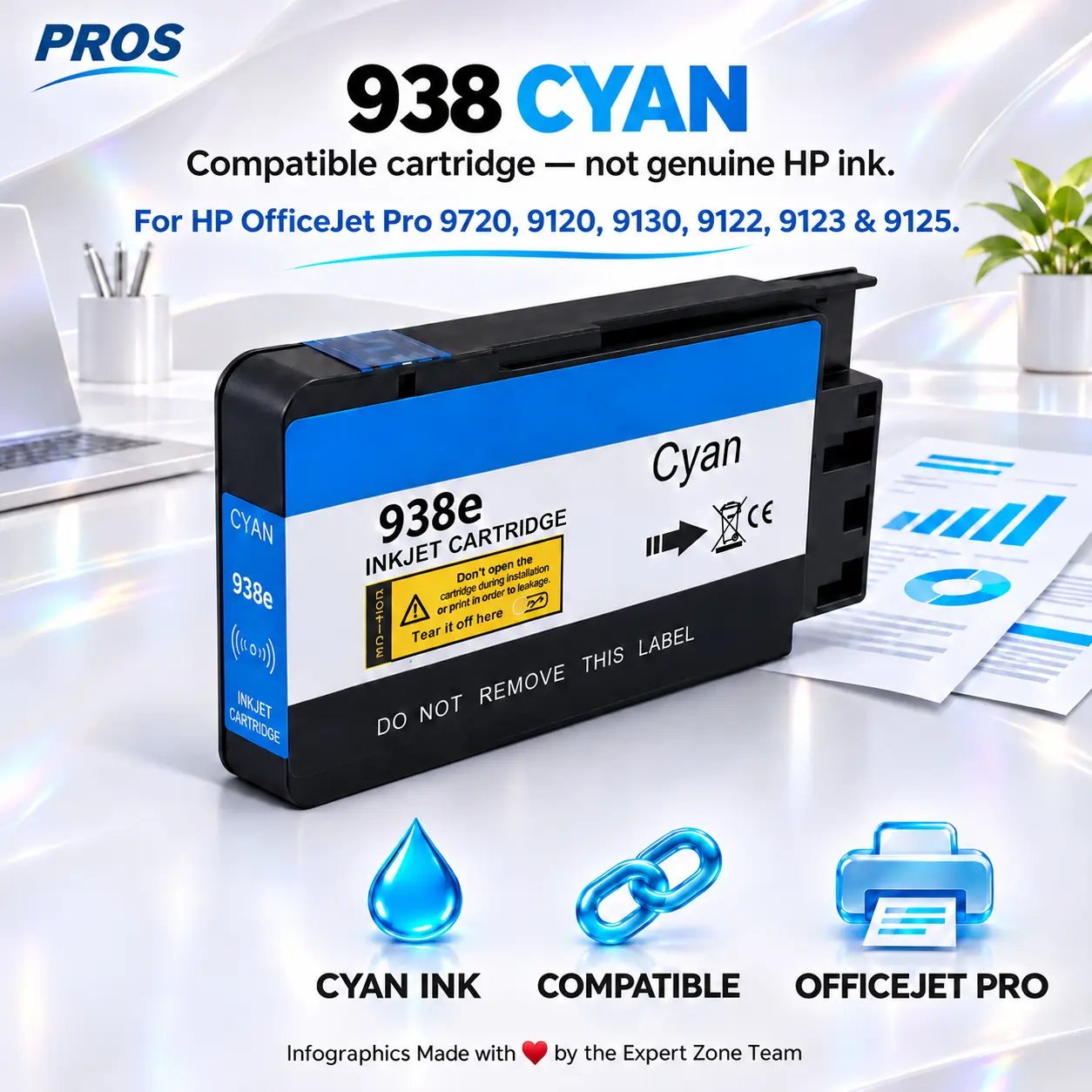
PROS 938 Cyan Compatible Ink Cartridge for HP OfficeJet Pro 9720, 9120, 9130, 9122, 9123 and 9125 Printers
SKU:
PROS-INK-938-CYAN
$ 18.00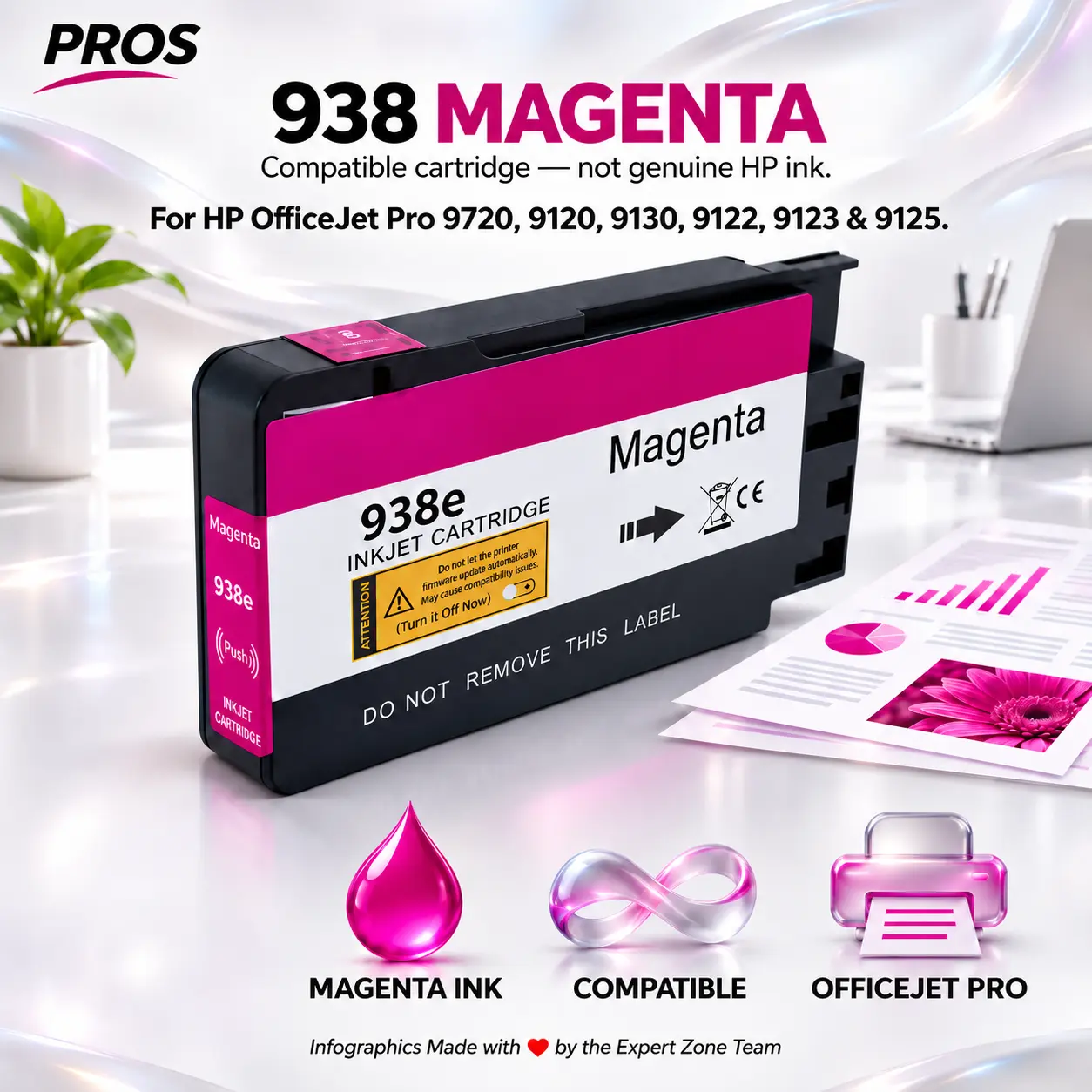
PROS 938 Magenta Compatible Ink Cartridge for HP OfficeJet Pro 9720, 9120, 9130, 9122, 9123 and 9125 Printers
SKU:
PROS-INK-938-MAG
$ 18.00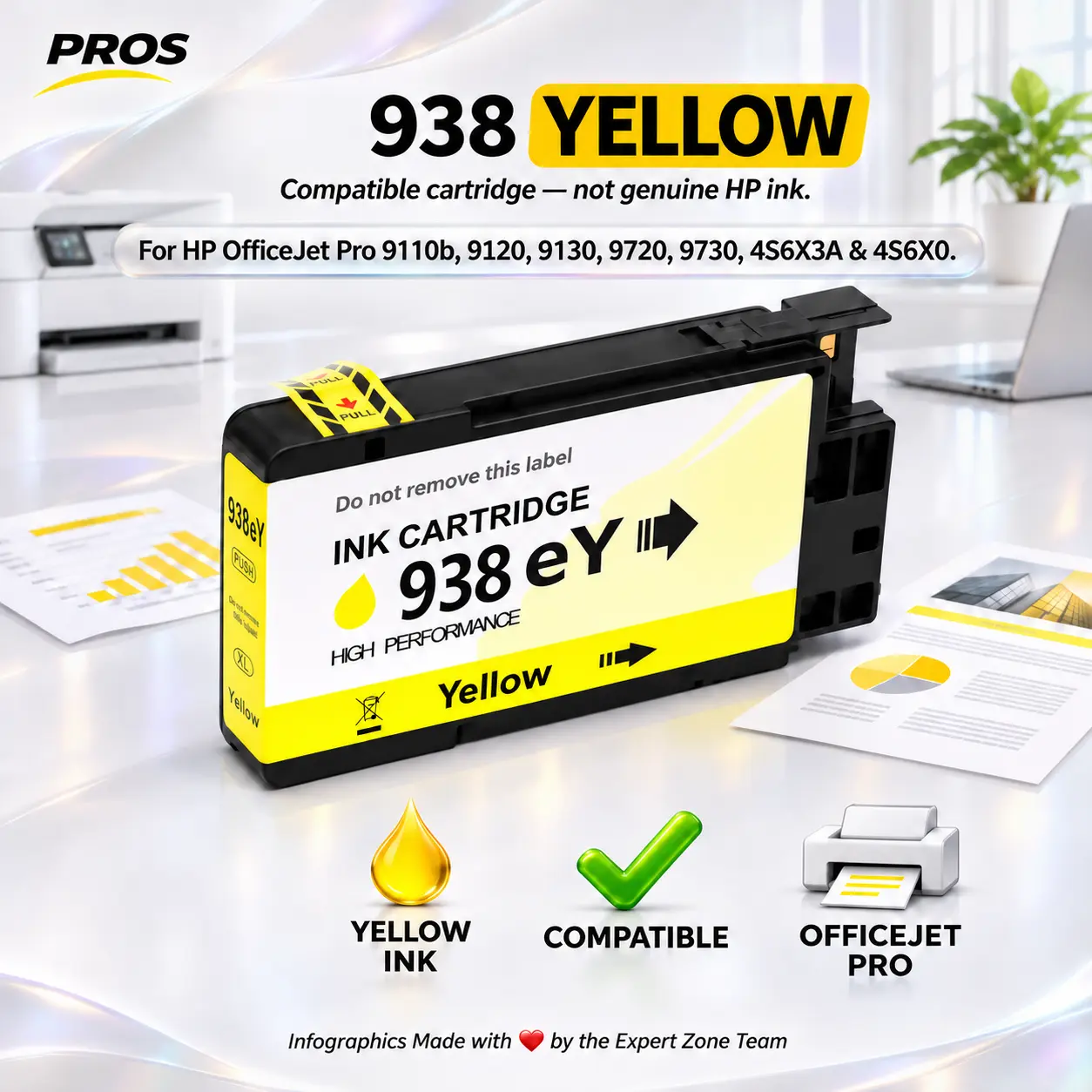
PROS HP 938 Yellow Compatible Ink Cartridge for OfficeJet Pro 9110b, 9120, 9130, 9720, 9730, 4S6X3A and 4S6X0 Printers
SKU:
PROS-INK-938-YELLOW
$ 18.00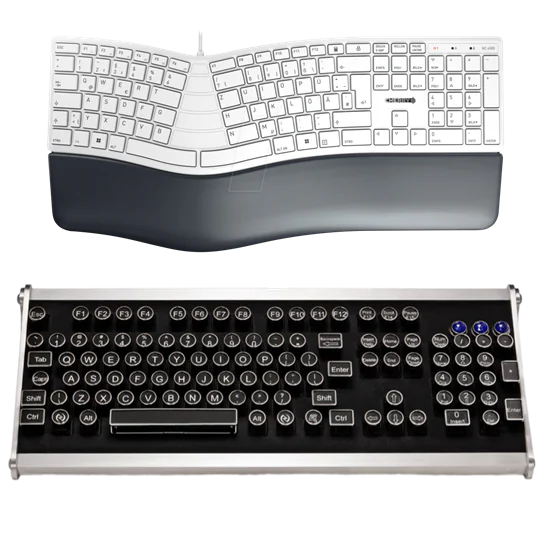 Keyboard
 OFFICE KEYBOARD
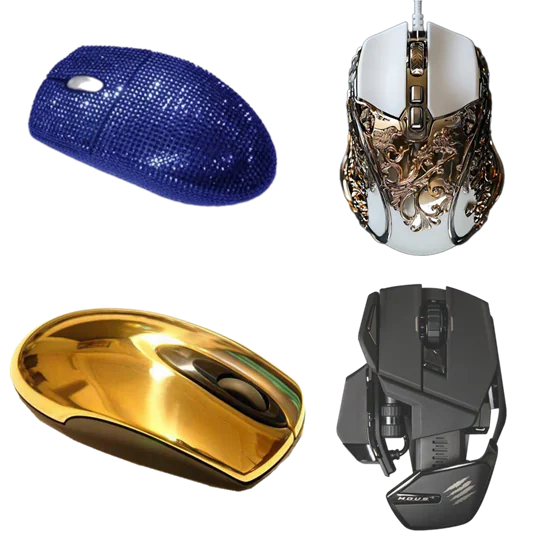 Mouse
 OFFICE MOUSE
 Wrist Rest
 Apex seat